





TransMonkey
TransMonkey is an AI translation platform for documents, images, and video, plus transcription and AI subtitles, supporting more than 100 languages with credit-based p...
Tags:AI Translation Tools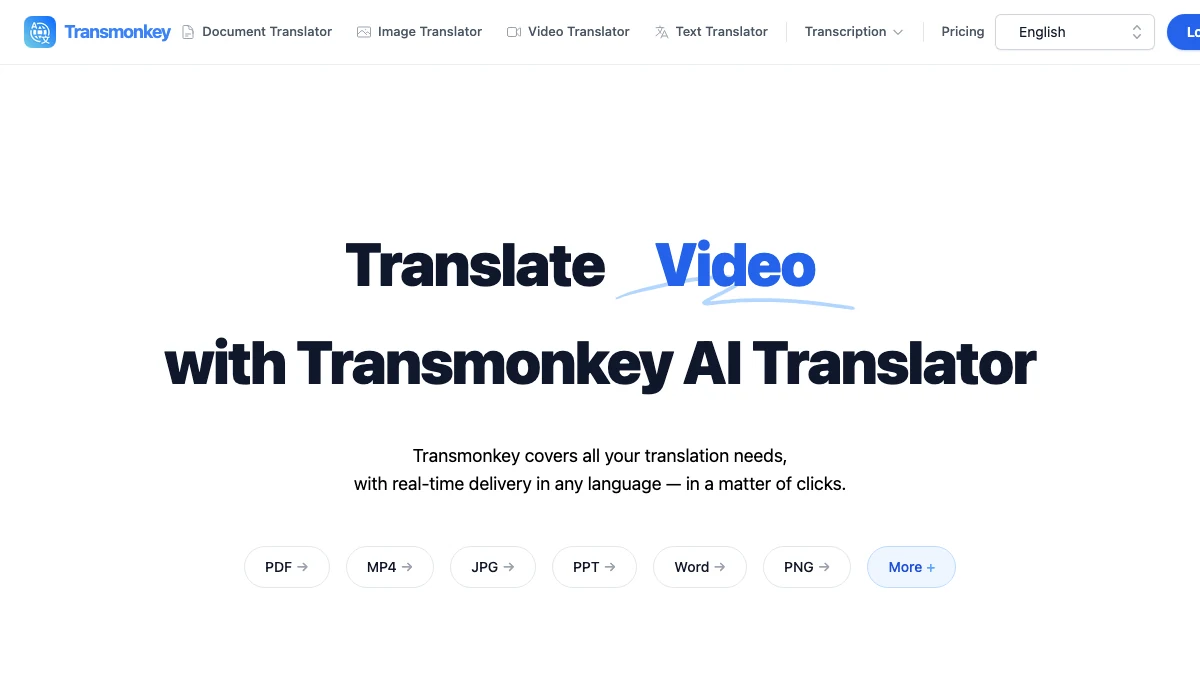
What is TransMonkey?
TransMonkey is an AI translation platform that handles more than plain text: document translation, image translation, video translation, transcription, and AI subtitles. It targets the messy real-world inputs teams actually have – a PDF, a screenshot, a recorded video – rather than a text box.
The platform supports more than 100 languages. New users receive free trial credits so they can test quality on their own material before buying a plan.
Pricing and plan limits below were verified on the vendor site,
Key Features
1. Document translation
Upload PDFs, Word files, and similar documents and receive translated output that keeps the original structure usable.
2. Image translation
Translate text inside screenshots, scans, and graphics, which is useful for UI localization, manuals, and marketing assets.
3. Video translation and AI subtitles
Video translation plus transcription and subtitle generation turn recordings into captioned multilingual assets.
4. Wide language coverage
More than 100 languages are supported across the main translation modes.
5. Credit-based plans
Both pay-as-you-go credits and monthly subscriptions are available, including higher allowances for video work, which consumes far more credits than text.
Pricing at a glance
Pay as you go: $0.120 USD per credit – 50 credits for $6.00 USD, 150 credits for $12.00 USD, 800 credits for $39.00 USD, 2,000 credits for $69.00 USD, and 4,000 credits for $99.00 USD.
Pro Monthly: $12.0 USD/month for 500 credits per month, including 500 minutes of advanced video translation and 500 image translations per month.
Pro Yearly: $8.3 USD/month, billed $99 USD yearly, saving up to 30%.
Pricing verified on the vendor website, Confirm current allowances before subscribing, as video translation consumes credits far faster than text.
Who is TransMonkey best for?
Teams localizing documents: Contracts, manuals, and reports that need a fast first pass in another language.
Creators publishing video: Video translation plus subtitles in one place instead of chaining a transcriber and a translator.
Product and marketing teams: Image translation helps localize screenshots, banners, and UI captures without rebuilding source files.
Where TransMonkey fits in an AI translation workflow
Use it when the source is not clean text. If you already have raw text, a general translation tool may be cheaper; the value here is handling PDFs, images, and video in one account. For anything customer-facing or legally significant, plan a human review pass over the output.
Keep an eye on credit consumption: video translation is significantly more expensive per unit than text translation, so a monthly plan makes sense only if you have steady video volume.
TransMonkey vs other AI translation tools
Compared with text-only translators, TransMonkey covers formats they cannot ingest – images, PDFs, and video. Compared with enterprise localization suites, it is lighter and cheaper but does not provide translation memory, terminology management, or reviewer workflows.
For most small teams the trade is sensible: you get format coverage and speed, and you supply the human review on anything important.
Bottom line
TransMonkey is a good fit when your source material is a file rather than a sentence – a PDF, a screenshot, or a video. Start with the trial credits on your own content, watch how fast video consumes credits, then choose between pay-as-you-go and the Pro plan.


