






Remove Music From Video
Remove Music From Video is an online tool that strips background music from video while keeping speech, with a free daily allowance, credit packs from $4.99, and subsc...
Tags:AI Video Editing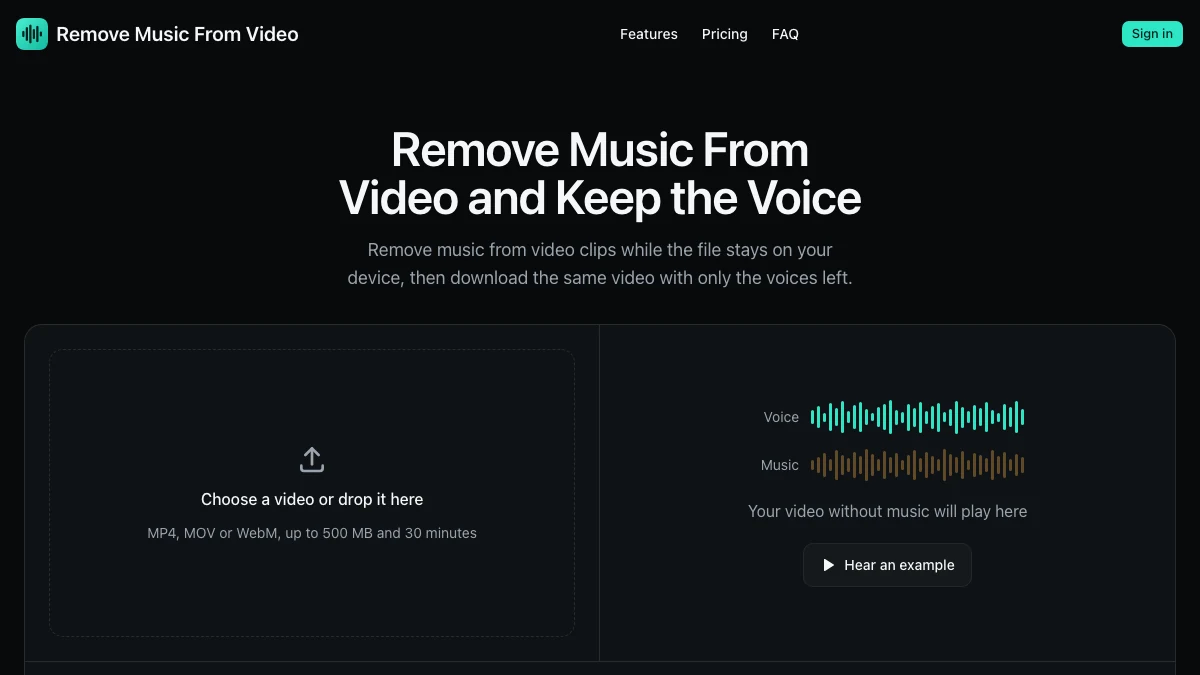
What is Remove Music From Video?
Remove Music From Video is an online tool that separates background music out of a video while keeping the voice track. It is aimed at the common situation where a clip has licensed or distracting music underneath speech and you need the speech without re-recording.
The workflow is short: upload the video, see its length and the number of credits it will use before anything is processed, remove the music, and download the result. Showing the cost before processing is a small detail that matters when minutes are billable.
New accounts get a free daily allowance of minutes, and credit packs start at $4.99. Pricing and limits verified on the vendor site,
Key Features
1. Music removal with voice preserved
The tool targets the music layer while keeping speech, which is what most creators actually need.
2. Upfront cost preview
Before processing, the page shows the video length and how many credits it will use, so there are no surprise deductions.
3. Free daily allowance
New accounts receive free minutes while the daily allowance lasts, which is enough for occasional single clips.
4. Credit packs without subscription
One-time credit packs from $4.99 suit people who only need this occasionally.
5. Monthly and yearly plans
Recurring plans provide a monthly credit allowance for regular creators, with roughly half price on the yearly billing option.
Pricing at a glance
Free: new accounts get 5 free minutes while the daily allowance lasts.
Credit packs: one-time packs from $4.99, no subscription required.
Basic: $9.99 per month, or $5 per month when billed annually ($119.88 list, $59.99 per year), with 250 credits every month.
Pro: $19.99 per month, or $10 per month when billed annually ($239.88 list, $119.99 per year), with 500 credits every month.
Plans renew automatically and can be cancelled anytime. Pricing verified on the vendor website,
Who is Remove Music From Video best for?
Creators reusing their own footage: Strip a music bed before re-editing or re-licensing a clip.
Podcasters and interview editors: Clean up clips where background music sits under speech.
Social teams: Repurpose a video for platforms with different music licensing expectations.
Occasional users: The free daily allowance or a small credit pack avoids a subscription entirely.
Where it fits in an AI video workflow
This is a cleanup step, not an editing suite. Run it before you rebuild the audio or export final cuts, and keep the original file – separation quality depends heavily on how the music and voice overlap in the mix.
Only process material you own or have the rights to modify. Removing music does not grant rights to use the underlying audio or footage.
Remove Music From Video vs other audio tools
Compared with a full audio editor, this drops the learning curve: there is no timeline, no manual filtering, and no plugin chain. Compared with general AI audio separators that split every stem, it is narrower – music out, voice in – which usually means faster results for this one job.
The main decision is volume: occasional users should stay on credit packs, while anyone processing clips every week will find the monthly allowance cheaper per clip.
Bottom line
Remove Music From Video does a single useful job and is transparent about cost before it processes anything. Try the free daily minutes on your own footage first – separation results vary by mix – then pick credit packs or a plan based on your monthly clip count.


