






Image to Image
Image to Image is an AI photo editor that restyles an existing photo from a text prompt, with templates, images up to 10MB, and credit-based plans starting at $9.99 pe...
Tags:AI Image Tools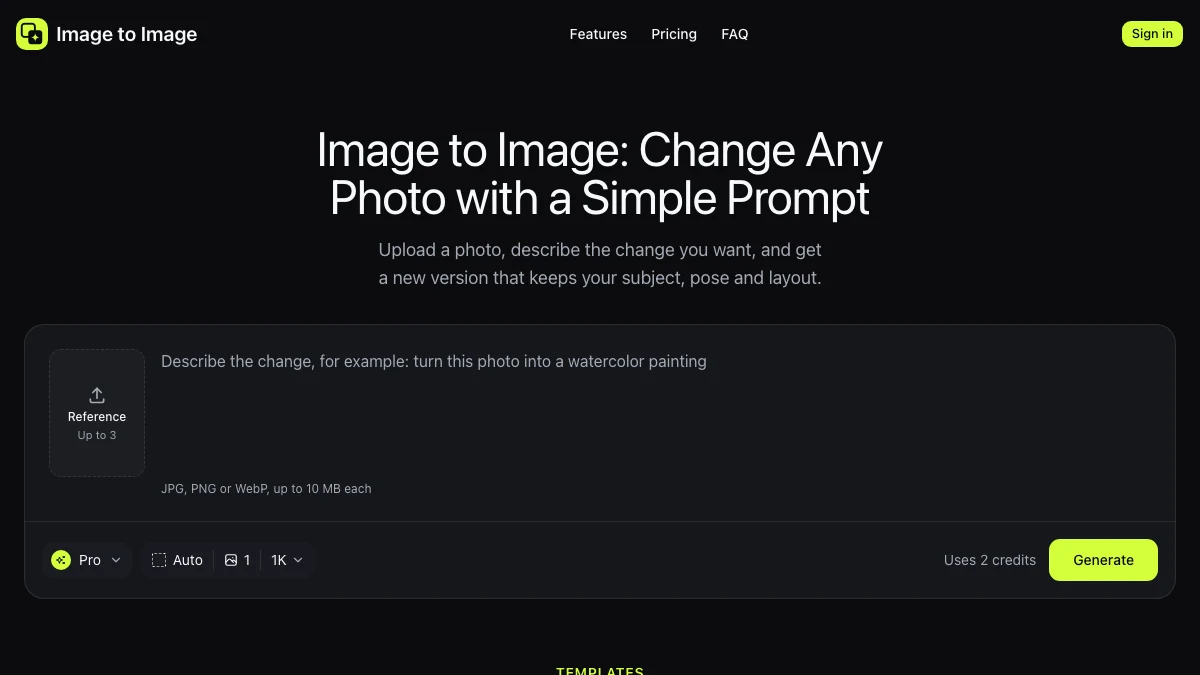
What is Image to Image?
Image to Image is an AI photo editor that changes an existing photo from a text prompt. You bring the picture, describe the change you want, and the tool returns a restyled version. It does not generate images from nothing – the source photo stays the base.
That distinction matters: it is for restyling photos you already have, whether that is a portrait, a product shot, or a social image that needs a different look without a reshoot.
Uploads up to 10MB are supported, and paid plans remove watermarks and allow commercial use of the output. Pricing and limits verified on the vendor site,
Key Features
1. Prompt-based restyling
Describe the change and apply it to your own photo rather than generating a new image from scratch.
2. Templates
Pre-built image-to-image templates give a starting point when you do not want to write a detailed prompt.
3. Generous upload size
Images up to 10MB each can be processed, which covers most phone and camera exports.
4. Transparent credit cost
Credit consumption is shown per generation – for example a 1K render uses 2 credits – so you can estimate cost before running a batch.
5. Commercial use on paid plans
Paid tiers remove watermarks and allow commercial use of the generated images.
Pricing at a glance
Basic: $9.99 per month, or $5.83 per month when billed annually ($119.88 list, $69.99 per year), with 80 credits.
Pro: $19.99 per month, or $11.25 per month when billed annually ($239.88 list, $134.99 per year), with 180 credits.
Credit packs: one-time packs are available from $4.99 for occasional use.
Paid plans remove watermarks and permit commercial use. Pricing verified on the vendor website,- confirm current credit allowances before subscribing.
Who is Image to Image best for?
Social creators: Restyle photos into a consistent visual look without a full design tool.
Small ecommerce teams: Give product photos a different treatment for campaigns without booking another shoot.
Anyone with one good source photo: If you already have the shot but not the style, this is cheaper than starting over.
Where Image to Image fits in an AI image workflow
It sits after capture: shoot or export the photo, restyle it here, then do final cropping and text in your normal editor. Because the source stays the base, results are usually more predictable than text-to-image generation for branded or product work.
Watermark and commercial-use terms depend on the plan, so check which tier you are on before publishing output commercially.
Image to Image vs other AI image tools
Compared with text-to-image generators, Image to Image keeps your composition and subject, which is what most photo work needs. Compared with a full editor with AI plugins, it is faster to use but gives less manual control over the result.
Credit cost per render is the main thing to watch: try a template on a real photo first, see how many credits a usable result takes, and then choose a tier.
Bottom line
Image to Image is a straightforward way to restyle photos you already have, with templates for people who do not want to prompt carefully. Start small, confirm the watermark and commercial-use terms of the tier you choose, and scale up only if the style holds up on your real images.


