




PavoAI
PavoAI is an all-in-one AI video studio running Veo, Kling, Sora 2 and 20+ models behind one login and credit balance, with built-in editing, subtitles and dubbing.
Tags:AI Video Tools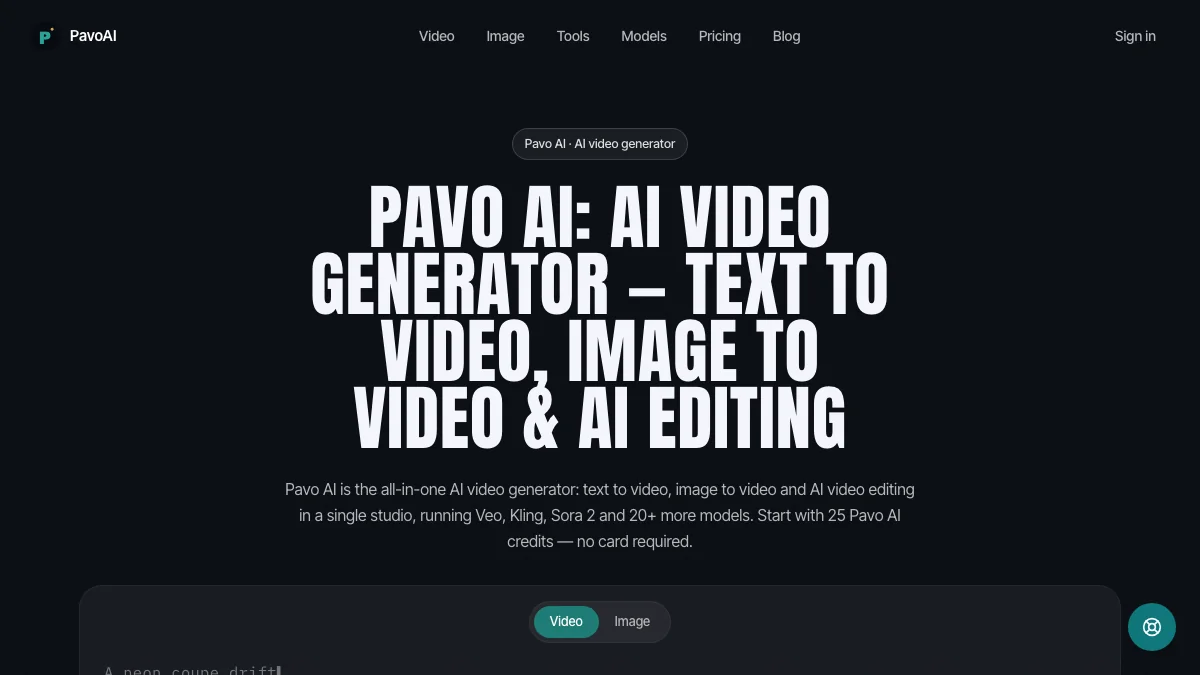
What is PavoAI?
PavoAI is an all-in-one AI video studio that puts 20+ video models behind one login and one credit balance – including Google Veo 3.1, Kling 3.0, Sora 2, Hailuo, Wan and Seedance. You generate from text or from an image, then finish the video in the same window: trim and arrange takes, restyle footage, upscale to 4K, burn subtitles in 98 languages, dub voices in 33, and score the cut with generated music.
A practical detail: new accounts start with 25 free credits and no card is required, and exports carry no watermark and are licensed for commercial use on every plan.
Key Features
1. Multi-model access in one studio
Veo 3.1 Fast, Kling 3.0, Sora 2, Hailuo, Wan, Seedance and more – switch models without new accounts or separate bills.
2. Text-to-video and image-to-video
Reference locking carries characters and product details across shots, which makes multi-scene videos usable for real campaigns.
3. Built-in video editor
Trimming, restyling, 4K upscaling, subtitles in 98 languages, voice dubbing in 33 languages, and generated music for the final cut.
4. Talking avatars and image studio
Avatars with lip-sync and emotion control in 30+ languages, plus a separate studio for stills, posters and thumbnails.
5. Credits that never expire
One balance is shared across all studios, so unused credits stay usable instead of lapsing at month end.
Pricing at a glance
Free trial: 25 starter credits, no card required.
Starter: $19.90 per month with 19,900 credits (roughly 110 images or 6 five-second 720p clips).
Pro: $59.90 per month with 59,900 credits.
Enterprise: $99.90 per month with 99,900 credits.
Credit packs: one-time purchases starting from $9.90.
One note worth knowing before you subscribe: $9.90 is the starting price of one-time credit packs, while subscription plans start at $19.90 per month – the two are easy to mix up. Pricing verified on the vendor website.
Who is PavoAI best for?
Marketing teams: multi-scene product videos from a single packshot, with editing and dubbing in the same window.
Creators tired of subscription stacking: one balance replaces a dozen separate tool bills.
Anyone comparing models: generating the same prompt across Veo, Kling and Sora side by side is the fastest way to learn their differences.
Where PavoAI fits in an AI video workflow
Compared with single-model video generators, PavoAI’s differentiation is breadth: instead of betting your workflow on one model, you pick per shot – one model for realism, another for stylized motion – and keep the credits, edits and exports in one place.
The trade-off to plan around is the credit economy: heavier models consume credits faster, so check the per-generation cost shown before you render rather than assuming flat pricing.
Bottom line
PavoAI is a practical hub for teams that want several leading video models without a stack of subscriptions, with enough built-in editing to finish a video without leaving the app. The 25 free credits make it low-risk to try.