




Burncaps
Burncaps turns long recordings into ranked 9:16 clips with word-by-word captions burned in, entirely in the browser, with two free videos every 30 days and Pro at $29/...
Tags:AI Video Editing AI Video Tools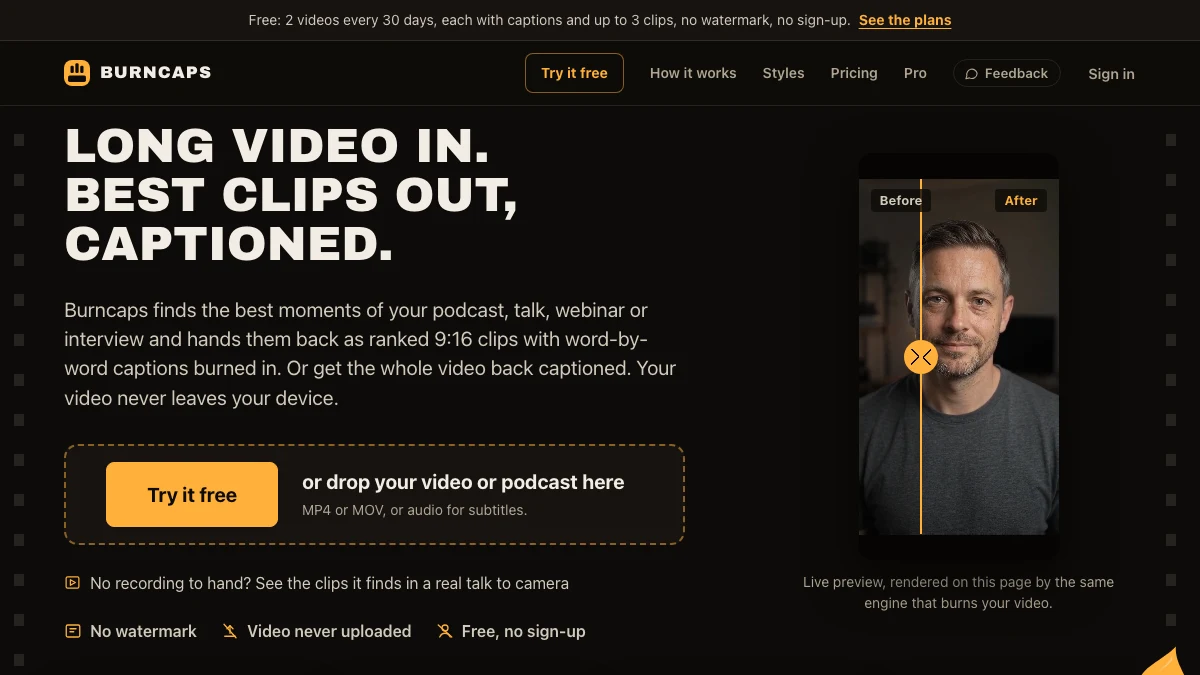
What is Burncaps?
Burncaps is a browser-based AI clip generator for long recordings. Drop in a podcast, interview, webinar or conference talk up to three hours and it returns ranked 9:16 clips – roughly one for every two minutes of speech, up to 30 – cut to whoever is talking, with ums and dead air removed, an opening card and word-by-word captions burned in. Each clip shows the words it opens and ends on and why it was picked.
It can also caption a whole video (up to 10 minutes / 1.2 GB) and export SRT, VTT, ASS or plain text. The privacy model is the point: the video opens and is encoded in your own browser and is never uploaded. A speech model writes the transcript locally, and only the transcript text goes to the AI that ranks clips – only when you choose Clips. “Keep everything on this device” keeps even that local.
Key Features
1. Ranked clip finder
Up to 30 clips from a three-hour recording, best first, with the three it would post first circled. Each clip starts where a thought starts and ends on a finished point.
2. Speaker-aware 9:16 reframing
Cuts to whoever is talking, removes filler words and dead air, and adds an opening card.
3. Word-by-word captions in 60 styles
Animated highlight styles are included on every plan; correct a word once and it changes everywhere in the video.
4. Local processing, no watermark
No upload, no signup on the free tier, and free subtitle files (SRT, VTT, ASS, TXT) for videos up to ten minutes.
5. Whole-video captioning
Keep every second, with background blur, solid colour, your own image or green screen, and export without a rendering queue.
Pricing at a glance
Free: 2 videos every 30 days, each with captions and up to 3 exported clips, no watermark, no signup and no card. All clips in a recording are found and ranked, so you choose the three you keep.
Pro: free 7-day trial with no card, then $29/month for unlimited clips from every recording, no credits and no minute meter (the speech service allowance is 20 hours in any 30 days).
Starter: $9.98/month or $49 once, captioned videos only.
Burncaps is a clip and caption pipeline, not a full editor – it does not replace a multi-track timeline.
Who is Burncaps best for?
Podcasters and interviewers: turn one long recording into a month of short posts without re-editing the source.
Teams with sensitive footage: client calls, internal meetings and interview recordings stay on the device.
Creators who already have an editor: use it as the clip pipeline alongside a full editor rather than instead of one.
How it compares
In the long-video-to-shorts category, most tools upload your footage to a server before cutting it. Burncaps keeps the media local, which changes the privacy calculus for interviews and client work. It also ranks clips from the transcript and explains the choice, instead of handing back an unordered batch.
The flip side is scope: there is no timeline editing, and whole-video captioning is capped at ten minutes and 1.2 GB. If you need to restructure a story rather than extract highlights, you still want a full editor.
Bottom line
Burncaps is a focused, privacy-first clip pipeline with a genuinely usable free tier and no watermark. Two free videos every 30 days are enough to see how well its ranking works on your own recordings before paying anything.