




Migos AI
A fan-made browser generator that turns two photos into a short Hotel Lobby-style rap duet video, with visible credit costs before each generation.
Tags:AI Image Tools AI Video Tools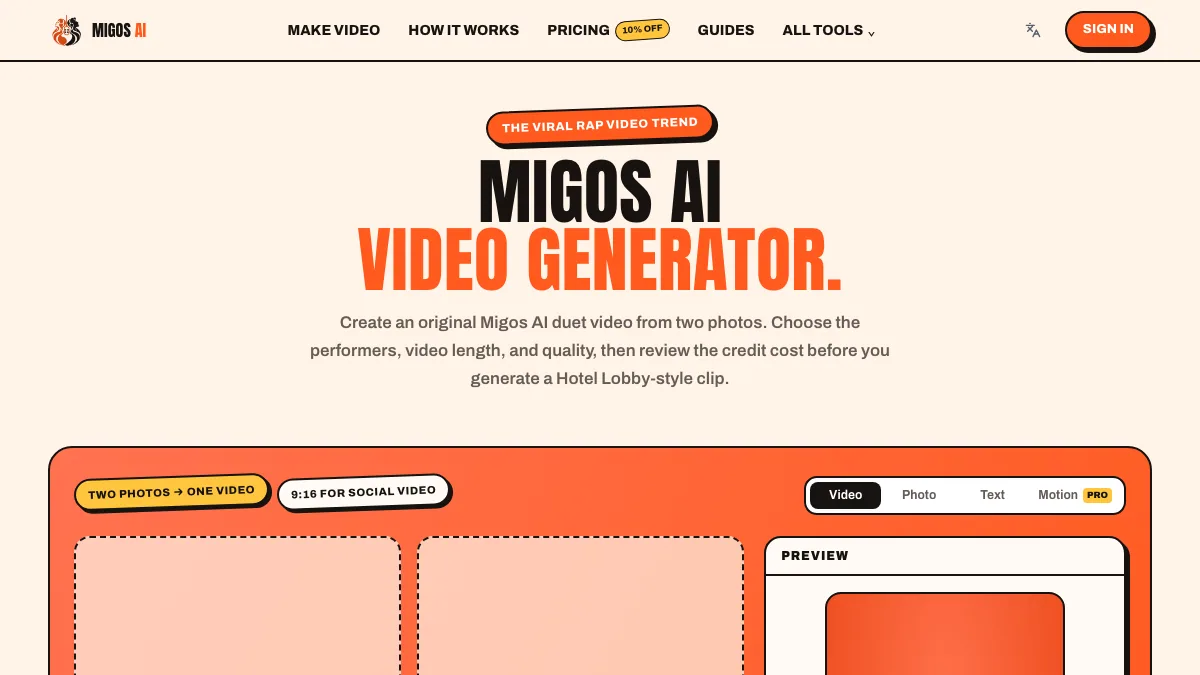
What is Migos AI?
Migos AI is an independent browser tool for making short rap-duet videos from two photos. It is built around the viral “Hotel Lobby” orange-studio look: you upload two portraits, choose the performers, duration, aspect ratio and quality, then review the credit cost before generating a new scene. The site states it is a fan tool and does not use the original performance footage or logos.
You can optionally add your own video or audio as references, and the generator can add AI beat and vocals where the selected model supports it. Finished clips appear in a personal library.
Key Features
1. Two photos to one duet
Upload JPG, PNG or WEBP files up to 10 MB for the left and right performers. Clear, front-facing photos work best.
2. Template and Motion Copy modes
The Hotel Lobby template handles the orange-studio duet scene. Motion Copy uses a performer photo plus a 3-10 second reference clip you have permission to use to guide movement.
3. Format and quality control
Choose 9:16 vertical or 16:9 wide, a 4, 10 or 15 second clip, and Lite 480p, Standard 480p, HD 720p or Seedance 2.0 at 720p. Each option shows its credit cost first.
4. Director’s note
Pick a creative direction such as iconic duo, pets take the mic, best-friend energy or an editorial music-video look.
5. Clear cost and storage policy
Credits are estimated before submission, failed tasks follow a refund process, and generation media is stored in Cloudflare R2 with deletion requests handled through the privacy policy.
Pricing at a glance
Starter credits: new accounts may receive credits on sign-up.
Per generation: the exact cost depends on model, duration, quality and options; the studio shows the estimate before you submit. The home page lists sample rates such as 2 credits for Lite 480p, 3 for Standard Fast 480p and 7 for Seedance 2.0 HD 720p.
The site has a pricing page with model reference rates rather than one universal subscription. Check the current rates in the app before buying credits.
Who is Migos AI best for?
TikTok, Reels and Shorts creators: leaning into a recognised rap-duet trend with their own photos.
Pet owners and friends: putting two characters into the same comic performance.
Fan-video makers: experimenting with a scene format without editing a timeline.
How it compares
General AI video tools require you to write a scene from scratch. Migos AI is a narrow, template-first tool: the scene, framing and performance are pre-set, and your choices are limited to cast, length, quality and direction. That makes it fast for the trend it targets and less useful for unrelated video work. Audio depends on model support, and the site recommends adding a licensed trend sound inside TikTok or Reels when posting.
Bottom line
Migos AI does one social video format well and shows the cost before you commit. Use the starter credits to test a 4-second clip, and upload only photos and reference media you have permission to use.