




Penbeam
A local-first desktop screen recorder with on-device transcription and text-based editing, so deleting a transcript sentence cuts the matching video. Free tier and Pro...
Tags:AI Transcription Tools AI Video Editing AI Video Tools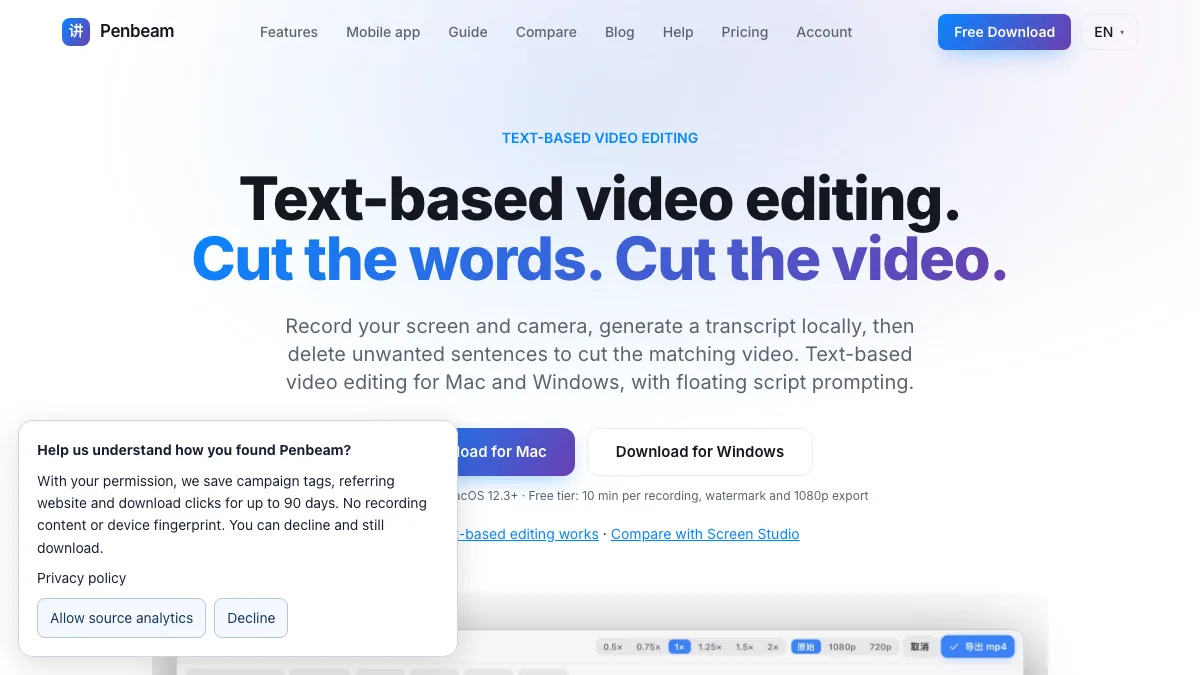
What is Penbeam?
Penbeam (Lecta / 讲笔) is a Mac and Windows screen recorder built for teaching and tutorials. It records the screen and camera with a floating script, annotation and zoom tools, then generates a transcript locally. Deleting a sentence in the transcript cuts the matching segment of video, which is the core idea of text-based editing.
The desktop app processes recordings on your computer. The speech model is downloaded once on first use; the site states that recordings do not need to be uploaded for local recording and editing.
Key Features
1. Text-based video editing
Generate captions on-device, then select a word or sentence in the transcript to cut its video segment. Preview the result before export. The site reminds users to review speech-recognition mistakes and cut boundaries.
2. Recording tools for explanations
Real-time annotation and whiteboard, zoom that follows the cursor, camera picture-in-picture with mirror and border options, and a floating script prompt with adjustable font size and scroll speed.
3. Local-first workflow
Recordings and local captions stay on the device; the speech model is downloaded once rather than sending each recording to a server.
4. Focus on teaching use cases
Software tutorials, product walkthroughs and talking-head explanations are the examples on the site, with a stated audience of creators who explain things on screen.
5. Desktop and mobile are separate
The desktop app records and edits screen-based lessons. A separate iPhone or Android app handles script prompting and camera recording, with features varying by platform.
Pricing at a glance
Free: CNY 0, unlimited recordings up to 10 minutes each, all recording features, captions, text-based cuts and export up to 1080p with a watermark.
Pro Annual: CNY 398/year (about CNY 33.17/month), with unlimited recording length, watermark-free export, 4K or original resolution, on-device subtitles and text-based editing, one-click smart cut for silence and filler words, AI voice denoise, camera effects, intro cards, stickers and background music.
Lifetime: CNY 898 once, with all Pro features, free updates and cross-device licence sync for up to two simultaneous devices.
The site also lists CNY 68/month and an education price of CNY 198/year. Website purchases use Alipay in CNY and are one-time payments with no automatic renewal. Mobile pricing is shown in the app store; the site notes that signing in with the same email does not by itself make purchases cross-platform.
Who is Penbeam best for?
Teachers and course creators: recording annotated software walkthroughs and trimming them by editing text.
Product and developer teams: sharing clear demos where small on-screen details need zoom and highlight.
Privacy-conscious creators: keeping recordings and transcription local to the machine.
Budget-conscious users: the free tier is usable, and the lifetime licence avoids a subscription.
How it compares
Cloud-based transcription editors remove filler words automatically but upload your footage. Penbeam takes the opposite route: local processing, a one-time model download and manual control over which sentence becomes a cut. It is less hands-off than a fully automated editor, and the site is explicit that recognition and cut boundaries still need a human check before export. The Mac build requires Apple Silicon and macOS 12.3 or later.
Bottom line
Penbeam is a solid pick for local, text-driven editing of screen recordings, with a free tier that is good enough to test the workflow. Check the system requirements and the CNY pricing before choosing Pro, and review the transcript carefully before exporting.