



Descript Review: Is It Still the Easiest Way to Edit Video From a Transcript?
Descript Review: Is It Still the Easiest Way to Edit Video From a Transcript?
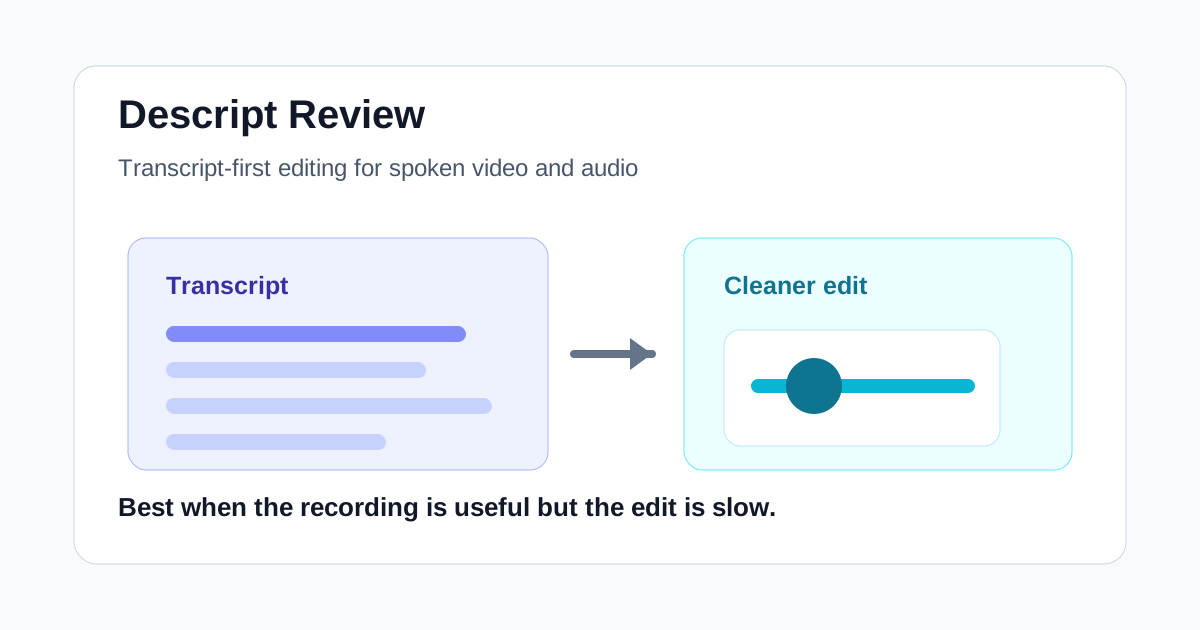
Descript is easiest to understand if you stop treating it like a normal timeline editor. It is closer to a document editor for recorded audio and video. You upload a recording, Descript transcribes it, and then many edits happen by changing the text: delete a sentence, remove filler words, tighten pauses, clean up awkward sections, and then export a more polished video or audio file.
That sounds simple, but it is also why Descript can be hard to compare with broader AI video tools. It is not trying to generate a full video campaign from a prompt. It is not trying to turn every webinar into a batch of finished social clips with no review. Its real value is in making recorded content less painful to edit, especially when the recording already has useful substance.
Quick Verdict
Descript is still one of the most useful AI video tools for people who edit spoken content. It works best for podcasts, interviews, tutorials, screen recordings, customer education videos, founder updates, and marketing clips that start with real recorded material.
It is less compelling if your main need is AI-generated visuals, cinematic prompt-to-video output, or fully automated short-form clip selection. For those jobs, a generator or a dedicated repurposing tool may make more sense.
The practical question is not "Can Descript replace every video editor?" It cannot. The better question is: "How much recorded talking-head or screen-share content do you need to clean up every week?" If the answer is more than a little, Descript deserves a serious look.
What Descript Is Good At
Descript's strongest use case is editing by text. When the transcript is accurate enough, trimming a recording becomes much faster than scrubbing through a timeline. You can scan for weak sections, remove repeated explanations, tighten rambling answers, and make the final piece feel more deliberate.
That matters for teams that produce a lot of recorded content but do not have a dedicated editor for every asset. A marketer can clean up a webinar excerpt. A founder can trim a product update. A training team can revise a screen recording without rebuilding the whole lesson from scratch.
Descript is also useful because it keeps the edit connected to the spoken content. Many AI video tools are exciting at the idea stage, but the real bottleneck for business content is often cleanup: the recording exists, the message is good, and the draft only needs sharper pacing.
Where It Fits in an AI Video Workflow
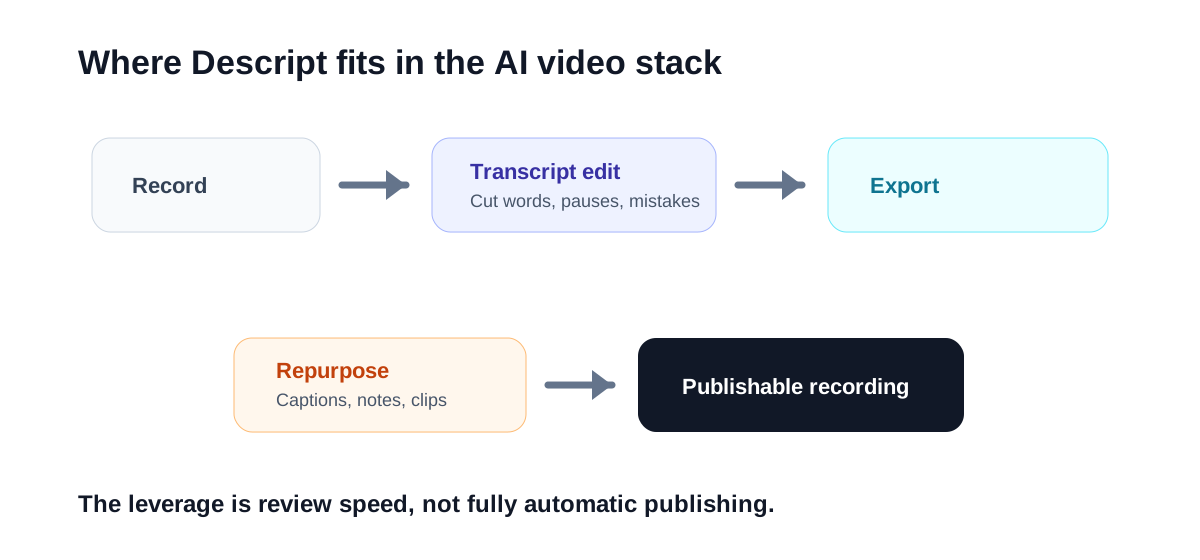
Descript sits near the middle of the workflow. It is not the tool you use to invent every scene, and it is not always the final polish layer. It is the place where a rough recording becomes a usable edit.
| Need | Descript fit | Better alternative |
|---|---|---|
| Clean up a podcast or interview | Strong | Traditional NLE for complex visual edits |
| Edit a screen recording from the transcript | Strong | None, if the transcript is accurate |
| Generate new video scenes from prompts | Weak | Runway or another AI video generator |
| Turn long videos into many short clips | Moderate | Klap, OpusClip, or similar clip tools |
| Build social videos from a script | Moderate | InVideo or Fliki style tools |
This is where Descript is easy to overbuy or underbuy. If your team mostly creates visual-first ads, you may hit its limits quickly. If your team mostly records people explaining things, it can remove a lot of boring editing work.
The Main Benefits
The biggest benefit is speed. You can review the transcript, remove sections, and reshape the story without constantly hunting through waveforms and timeline clips. That does not make editing effortless, but it lowers the friction enough that more people on a team can participate.
The second benefit is clarity. Because you are looking at the words, weak structure becomes easier to spot. Long intros, repeated points, filler phrases, and unclear transitions stand out more obviously in text than they do in a timeline.
The third benefit is reuse. A cleaned-up transcript can support captions, blog excerpts, social posts, show notes, and internal documentation. Descript is not a complete content operation by itself, but it can make recorded material easier to repurpose.
The Limits to Know Before You Choose It
Transcript editing depends on transcription quality. If the recording has heavy crosstalk, bad audio, uncommon names, or multiple speakers with similar voices, the cleanup still requires attention. AI helps, but it does not remove review.
Descript can also feel less natural for complex visual editing. If you need layered motion graphics, precise color work, heavy B-roll timing, or a polished commercial cut, you will probably still want a more traditional editor.
The other limit is output ambition. Descript is excellent for making real recordings cleaner. It is not the best answer when you have no footage, no voice track, and only a prompt or script. In that case, a generative video tool or script-to-video workflow may be a better first stop.
Who Should Try Descript First
Descript is a good first test for:
- Podcasters who also publish video episodes.
- SaaS teams turning webinars into cleaner on-demand recordings.
- Founders recording product updates or thought-leadership videos.
- Training teams that need to revise lessons without refilming everything.
- Marketers who edit interviews, demos, and screen-share explainers.
It is probably not the first tool to test if you mainly need stock-heavy social videos, AI avatars, cinematic generated footage, or automatic clip selection at scale.
Descript vs Other AI Video Tools
Compared with Runway, Descript is more practical for recorded explanations and less useful for visual generation. Runway is better when you want to explore new scenes, visual ideas, and generative assets. Descript is better when the raw material already exists and needs editing discipline.
Compared with InVideo or Fliki style tools, Descript is less about assembling a video from a script and more about cleaning up recordings. If your asset begins as a script, script-to-video may be faster. If your asset begins as a messy recording, Descript is usually more natural.
Compared with Klap or OpusClip, Descript gives you more control over the edited source material. Dedicated clip tools are better when the goal is finding short social moments quickly. Descript is better when the full piece still matters.
What to Check During a Trial
Do not test Descript with a perfect five-minute recording. Test it with the kind of material you actually need to edit: a long Zoom call, a rough podcast take, a screen recording with mistakes, or a webinar section with a few messy transitions.
During the trial, watch for four things:
- Does the transcript become accurate enough after light correction?
- Can a non-editor make useful cuts without breaking the video?
- Does the export quality match your publishing standard?
- Does the time saved justify adding another tool to the workflow?
If those answers are yes, Descript can become a quiet but valuable part of your content stack.
Final Take
Descript is still one of the clearest examples of AI helping with a real editing bottleneck. It is not the flashiest AI video tool, and it is not the right choice for every video workflow. But for spoken content, transcript editing remains a very practical advantage.
Choose Descript if your team has recordings that are worth publishing but too slow to clean manually. Skip it, or pair it with another tool, if your main problem is generating new visuals, producing avatar videos, or automatically extracting short-form clips at scale.

