



InVideo vs Fliki: Which One Turns Scripts Into Usable Videos Faster?
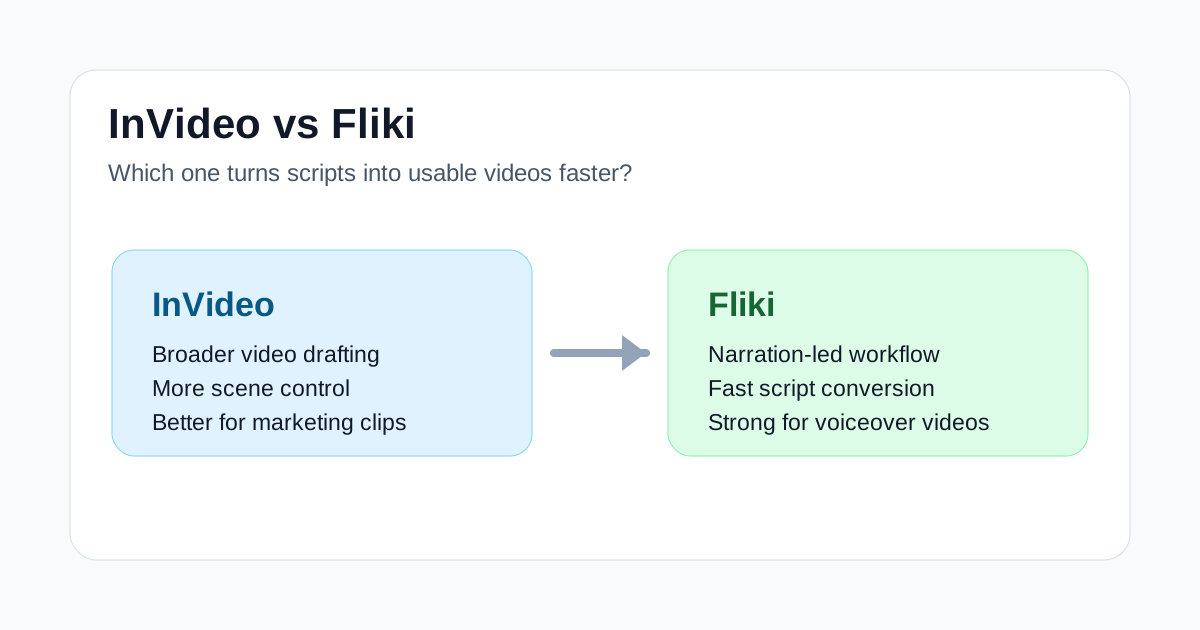
InVideo and Fliki both promise to turn text into video, but they are not trying to solve the exact same job. InVideo feels closer to a broad video drafting workspace: you give it a prompt or script, then shape scenes, stock media, pacing, and brand assets into a publishable draft. Fliki feels more focused on voice-led content: scripts, narration, language options, and quick videos that do not need a heavy editing pass.
That difference matters if you are choosing a tool for affiliate-style content, YouTube explainers, product education, faceless videos, or social posts. The question is not simply which one has more AI features. The better question is which tool gets you to a usable first cut faster for the kind of video you actually make.
Quick Verdict
Choose InVideo if you want a more flexible video creation workspace. It is the better fit when you need marketing videos, social ads, product explainers, short brand videos, or drafts that need scene-level control after the AI does the first pass.
Choose Fliki if your videos start with narration. It is the cleaner fit for voiceover-heavy explainers, list videos, simple educational clips, multilingual narration tests, and content repurposed from scripts or blog posts.
If you are trying to publish polished campaign videos, start with InVideo. If you are trying to turn written material into narrated videos quickly, start with Fliki.
Where InVideo Is Stronger
InVideo is stronger when the video needs to feel assembled rather than simply narrated. Its advantage is not just that it can generate scenes from text. The bigger advantage is that it gives you more room to adjust the result after generation.
That makes it useful for:
- Landing page explainers
- Product feature videos
- Social ads and promo clips
- Founder or small-team marketing videos
- Drafts that need stock clips, layout changes, and brand consistency
InVideo is also a better starting point when your script is not final. You can use it to explore a concept, revise the pacing, replace weak visuals, and turn a rough idea into something close enough for review.
The tradeoff is that InVideo can feel heavier. If all you need is a clean narrated video from a finished script, its broader workspace can be more than you need.
Where Fliki Is Stronger
Fliki makes more sense when the voiceover is the center of the video. It is built around text, narration, scenes, and quick publishing. That makes it good for creators and small teams that already have written content and want to convert it into a simple video format without building a full edit from scratch.
Fliki is especially useful for:
- Faceless YouTube explainers
- Blog-to-video workflows
- Simple educational clips
- Multilingual narration experiments
- Short videos where the voice carries most of the structure
The main limitation is that Fliki is not as natural when you want deeper scene design, heavier brand treatment, or a more campaign-ready video. It can produce a usable draft quickly, but some videos will still need editing outside the tool if visual polish matters.
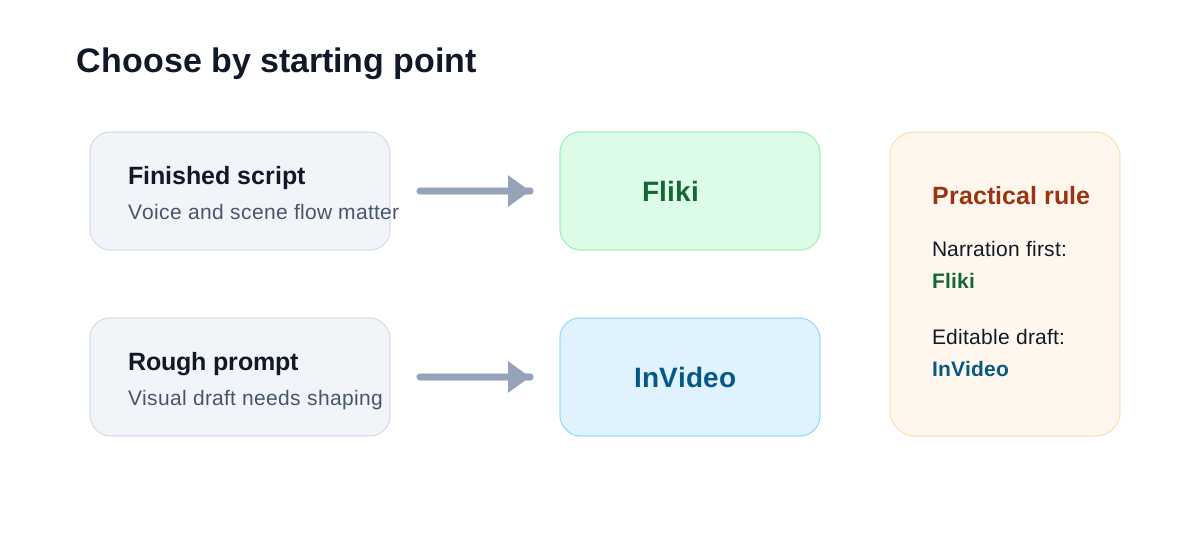
Speed: Which Gets to a Usable Draft Faster?
Fliki is often faster when the script is already good. Paste in the text, choose a voice, structure the scenes, and you can get a workable narrated draft quickly. That speed is valuable when the goal is publishing volume, testing topics, or converting written content into video.
InVideo is faster when the input is less structured. If you start with a prompt, a rough brief, or a marketing idea, InVideo does a better job of turning that into a fuller video draft. You may spend more time editing, but the result can feel closer to an actual video concept rather than a narrated slide sequence.
So the speed winner depends on the starting point:
| Starting point | Better first choice | Why |
|---|---|---|
| Finished script | Fliki | The narration-first flow is faster |
| Rough marketing prompt | InVideo | It is better at building a fuller draft |
| Blog post or article | Fliki | Text-to-voice conversion is the core workflow |
| Social promo idea | InVideo | You get more control over scenes and visual style |
| Multilingual voice tests | Fliki | Voice and language options are central |
Editing Control
InVideo gives you more room to reshape the output. That matters when the AI chooses a weak visual, misses the tone, or needs a different pacing structure. For a team making marketing assets, those changes are not minor. They are often the difference between a throwaway AI draft and something a client, founder, or content lead can approve.
Fliki is easier to manage when the edit is simple. If the video is mostly voiceover plus supporting visuals, Fliki's simpler structure is an advantage. You are not forced into a heavier editing workflow for a video that does not need one.
The practical rule: use InVideo when editing control is part of the job. Use Fliki when speed and narration quality matter more than deep scene work.
Voiceover and Narration
Fliki has the clearer advantage for voice-led videos. Its workflow makes narration feel like the backbone of the project, not an extra layer added after the video is built. That is helpful for explainers, list-style videos, and lightweight educational content.
InVideo can work for narrated videos too, but it is usually better when narration supports the broader visual draft. If voice quality, language options, and script conversion are the main reasons you are buying the tool, Fliki is the more direct choice.
Best Use Cases
Use InVideo for:
- Marketing videos where the visuals need to carry the message.
- Product explainers that need scene-by-scene adjustments.
- Social ads where pacing, hooks, and visual style matter.
- Small-team content production when you want an editable AI draft.
Use Fliki for:
- Turning blog posts or scripts into narrated videos.
- Faceless YouTube or educational videos.
- Testing multilingual voiceover content.
- Publishing simple videos quickly without a full edit.
What I Would Not Use Either Tool For
Neither tool is the right answer for every video job. If you need cinematic generative video, Runway is a more relevant category. If you need to pull highlights from a long podcast, webinar, or interview, a clipping tool such as Klap or Submagic is usually closer to the workflow. If you need to enhance existing footage, Topaz Video AI is a different kind of tool entirely.
That is why comparing InVideo and Fliki only makes sense when the source material is text, a script, or a prompt. For long-video repurposing, start elsewhere.
Final Recommendation
InVideo is the better choice for creators and marketers who want a broader AI video creation workspace. It is more useful when you need a visual draft you can shape, polish, and adapt for campaigns or social posts.
Fliki is the better choice when the written script and voiceover are the product. It is faster for narrated explainers, blog-to-video workflows, and multilingual voice-led content.
For most small teams, the deciding question is simple: do you need a video editor that starts from AI, or a narration workflow that turns text into video? Pick InVideo for the first job and Fliki for the second.

