



Topaz Video AI vs Runway: Should You Enhance Footage or Generate New Scenes?
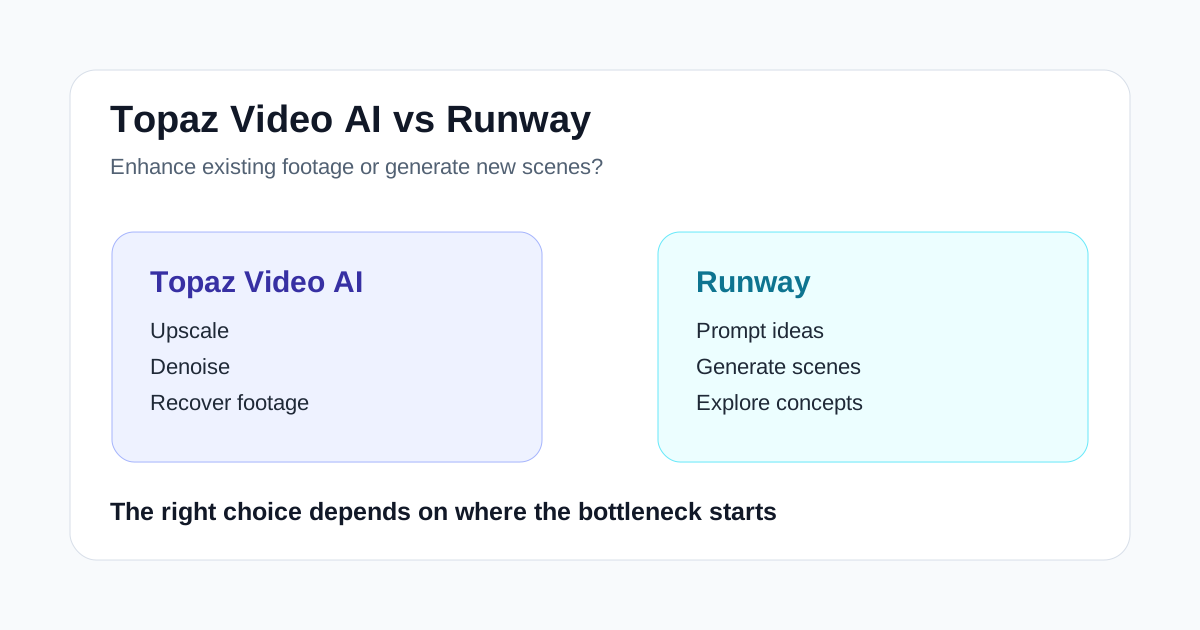
Topaz Video AI and Runway are often mentioned in the same AI video conversation, but they solve very different problems.
Topaz Video AI is for improving footage you already have. Runway is for creating, exploring, and reshaping visual ideas with generative AI.
That difference sounds obvious, yet it is where many bad buying decisions happen. A team with noisy interview footage does not need the same tool as a team trying to visualize three campaign concepts by Friday.
If you compare both products as "AI video tools," the answer gets vague. If you compare them by the job they do, the choice becomes much clearer.
Short Answer
Choose Topaz Video AI if your main problem is:
- old, soft, noisy, or compressed footage
- upscaling lower-resolution video
- denoising clips before editing
- making archive or source footage usable again
- improving final output quality after the story is already set
Choose Runway if your main problem is:
- turning ideas into visual concepts
- generating new scenes or motion tests
- exploring creative directions before production
- adding AI into ideation and visual development
- helping a team decide what to make next
Topaz Video AI is the better enhancement tool. Runway is the better creative exploration tool.
The Core Difference
The simplest way to separate them is this:
| Question | Better first tool |
|---|---|
| Can we make this existing clip look cleaner? | Topaz Video AI |
| Can we create a new visual direction from a brief? | Runway |
| Can we rescue old or compressed footage? | Topaz Video AI |
| Can we test campaign scenes before filming? | Runway |
| Can we improve source quality before repurposing? | Topaz Video AI |
| Can we generate concepts when footage does not exist yet? | Runway |
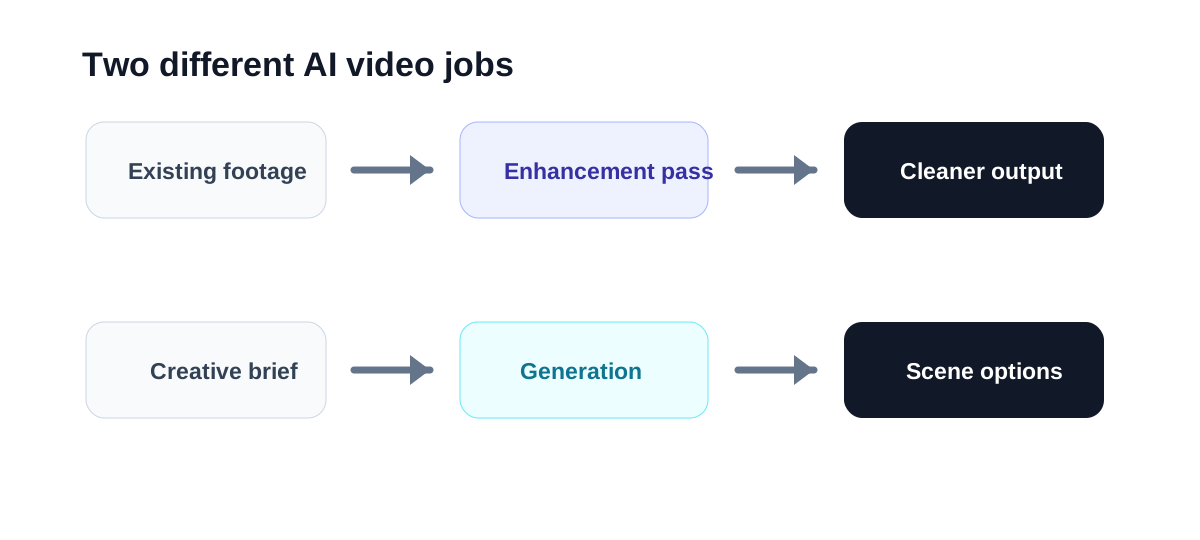
Topaz Video AI starts with footage. Runway starts with an idea, prompt, image, or creative direction.
That one distinction should guide most of the buying decision.
When Topaz Video AI Wins
Topaz Video AI wins when quality recovery is the bottleneck.
That usually means you already have video, but it is not good enough to use without improvement. The footage might be too soft, too noisy, too compressed, too low-resolution, or too rough for the platform where it needs to appear.
This is where Topaz Video AI has a clear job:
- improve old clips for newer publishing standards
- upscale footage before cutting it into social assets
- clean noisy video before it goes into an edit
- make archive footage more usable in a modern project
- preserve more perceived detail in clips that matter
It is not trying to replace your whole editing stack. It is a specialist tool for making existing footage look better.
For a deeper product-level view, start with the Topaz Video AI review.
When Runway Wins
Runway wins when the team needs new visual material or faster creative exploration.
That can mean generating scene ideas, testing motion concepts, building rough visual references, or using AI as part of a broader creative workflow. The source material may not exist yet. The team may still be deciding what the final direction should be.
Runway is stronger when the question is:
What could this look like?
That makes it useful for:
- campaign ideation
- visual concept testing
- mood and motion exploration
- AI-assisted creative production
- early-stage scenes that help teams align faster
If you are evaluating Runway specifically, see the Runway review and the Runway vs Kling AI comparison.
Common Buying Mistake
The mistake is buying the more exciting tool when the boring workflow problem is more urgent.
Runway usually feels more creative because it can help generate new visuals. But if your team already has footage and the issue is quality, Runway may not solve the core problem.
Topaz Video AI can feel less glamorous because it works after capture. But if the footage is valuable and only needs technical improvement, enhancement may create more business value than another round of ideation.
The reverse is also true. If your team has no usable source footage and needs to visualize a product story, Topaz Video AI is not the right starting point. You need a creative generation workflow first.
Suggested Test
Do not test both tools with the same random clip or prompt. Test them against two real jobs:
- Give Topaz Video AI a piece of footage your team would like to reuse but currently hesitates to publish.
- Give Runway one campaign, product, or content idea that needs visual direction.
- Measure whether Topaz produces footage that is actually easier to use.
- Measure whether Runway helps the team make a creative decision faster.
- Compare the time saved against the step each tool is meant to improve.
That test is more useful than comparing demo reels.
Which Tool Fits Which Team?
Topaz Video AI usually fits:
- editors with older or compressed footage
- creators repurposing archived clips
- production teams cleaning up source material
- marketers reusing webinar, interview, or event footage
- video teams that already know what they are making
Runway usually fits:
- creative teams exploring new concepts
- marketers building visual campaign ideas
- agencies showing clients possible directions
- founders creating early product-story visuals
- creators who need new scenes rather than cleaner old ones
If your team does both jobs often, the tools can complement each other. Runway can help with early concepts, while Topaz Video AI can improve selected source clips or final supporting footage.
Final Recommendation
Choose Topaz Video AI when the video already exists and the question is whether it can look good enough to use.
Choose Runway when the video does not exist yet, or when the team needs faster creative options before committing to production.
The best tool is not the one with the broader AI label. It is the one that removes the specific bottleneck in your video workflow.
