



Runway vs Kling AI: Which One Helps More With Early Video Ideas?
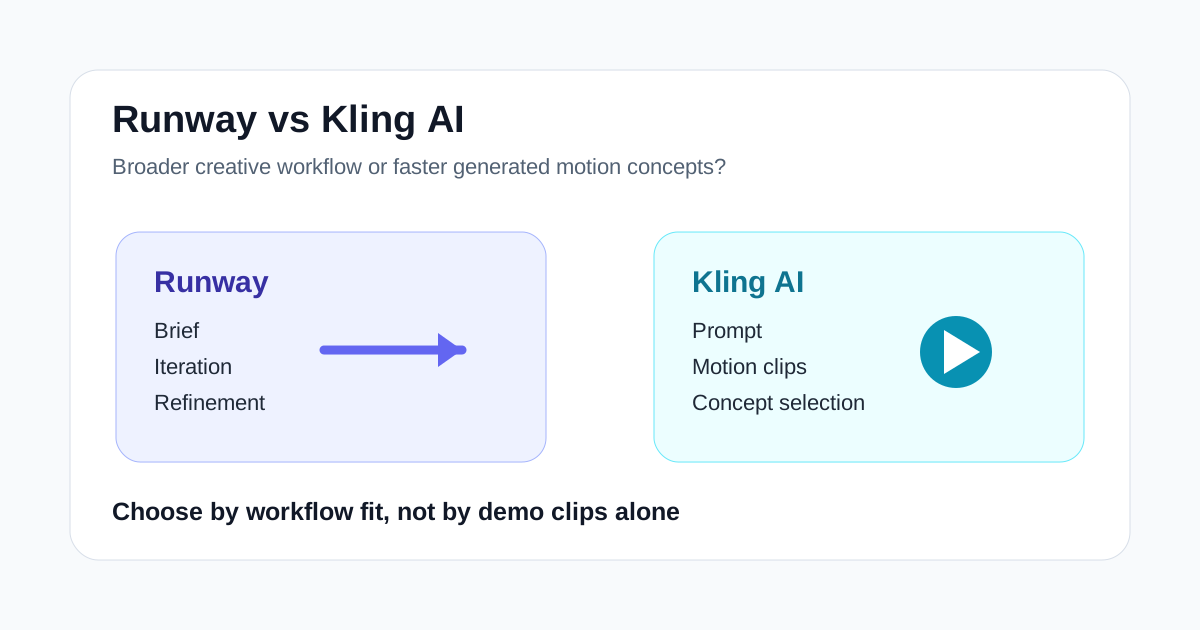
Runway and Kling AI often end up in the same shortlist because both sit on the generative side of the AI video market.
That overlap is real, but it can also be misleading.
These are not just two tools with slightly different interfaces. They usually make sense for different kinds of teams, different stages of production, and different expectations around control.
Runway is easier to think of as a broader creative AI video workspace. Kling AI is easier to think of as a generated-video-first tool for motion concepts and visual experimentation.
If you compare them only on output style, the decision stays fuzzy. If you compare them by workflow, the choice becomes much easier.
Short Answer
Choose Runway first if you need:
- a broader creative AI video workspace
- room for ideation plus editing-oriented workflows
- a tool creative teams may keep open across multiple production stages
- more flexibility around how AI fits into existing video work
- a system that supports experimentation beyond one prompt-to-video task
Choose Kling AI first if you need:
- prompt-driven video generation
- quick motion concept exploration
- visual hooks for campaigns or product storytelling
- faster idea validation before full production
- a simpler generated-video-first buying decision
If your team wants a more complete creative environment, Runway usually fits better. If your team mainly wants to turn prompts into motion concepts and test visual directions quickly, Kling AI is often the cleaner first test.
Core Difference
The simplest distinction is this:
- Runway is stronger as a creative workflow platform
- Kling AI is stronger as a generated-video-first concept tool
That does not mean Runway cannot generate scenes, or that Kling AI cannot become part of a larger production stack. It means the default mental model is different.
Runway tends to appeal to teams asking:
- How can we speed up ideation and creative iteration?
- Where can AI fit into our existing production process?
- Can one tool help across concepting, generation, and selected edit tasks?
Kling AI tends to appeal to teams asking:
- How can we generate strong motion concepts quickly?
- Can we visualize campaign ideas before we commit to production?
- Is prompt-based video generation good enough to speed up creative decisions?
That difference matters more than feature-count comparisons.
Runway vs Kling AI at a Glance
| Category | Runway | Kling AI |
|---|---|---|
| Best fit | Flexible creative AI video workflows | Prompt-based generated motion concepts |
| Buyer type | Agencies, brand teams, editors, creative producers | Marketers, concept teams, experimental creators |
| Workflow style | Broader and more production-aware | More generation-first |
| Strongest advantage | Creative flexibility across stages | Fast concept visualization through generated motion |
| Weakest point | Can feel heavy if you only need one simple output | Can feel narrow if you need deeper workflow support |
When Runway Wins
Runway wins when the job is bigger than one generated clip.
That usually means the team needs to:
- explore multiple directions
- refine creative concepts
- combine generation with production thinking
- test AI inside a broader editorial workflow
- use the tool across more than one phase of making a video
This is why Runway often makes more sense for:
- creative agencies
- brand content teams
- editors building AI-assisted workflows
- production teams exploring concept-heavy campaign assets
- creators who want more than one-shot novelty
Runway is often the better fit when the real bottleneck is not just getting a clip. It is making decisions faster across the production process.
When Kling AI Wins
Kling AI wins when the main job is turning ideas into visible motion concepts quickly.
That usually means the team needs:
- generated motion for ideation
- visual hooks for social or ads
- concept validation before spending more on production
- rough campaign scene exploration
- prompt-based experimentation without overcomplicating the workflow
Kling AI is easier to justify when the internal question is:
Can we make this idea visible fast enough to decide whether it is worth developing?
That makes it especially relevant for:
- concept-driven marketers
- social creative teams
- founders testing visual stories
- agencies pitching high-level direction
- creators experimenting with motion-led content ideas
Where the Overlap Is Real
Both tools can help with:
- creative ideation
- motion experimentation
- campaign concepting
- storyboard-style exploration
- early-stage content visualization
That is why many buyers compare them.
But overlap is not the same as interchangeability.
If your team needs a more complete creative environment, Runway usually has the stronger case. If your team mostly needs generated clips to sharpen or sell an idea, Kling AI may get to usefulness faster.
Common Buying Mistake
The most common mistake is comparing both tools as if the goal were identical.
Many teams ask which tool creates "better AI video." That sounds sensible, but it is not precise enough to guide a purchase.
A better question is:
- Do we need a broader production workspace?
- Or do we mainly need generated motion concepts?
Another mistake is expecting final-publish assets from every generated result. For many teams, the real value is earlier in the pipeline:
- making abstract ideas visible
- speeding up review conversations
- testing direction before full execution
If that is the job, the right winner may not be the one with the flashiest demo. It may be the one that keeps the team moving.
Suggested Test Workflow
Do not test both tools with random prompts.
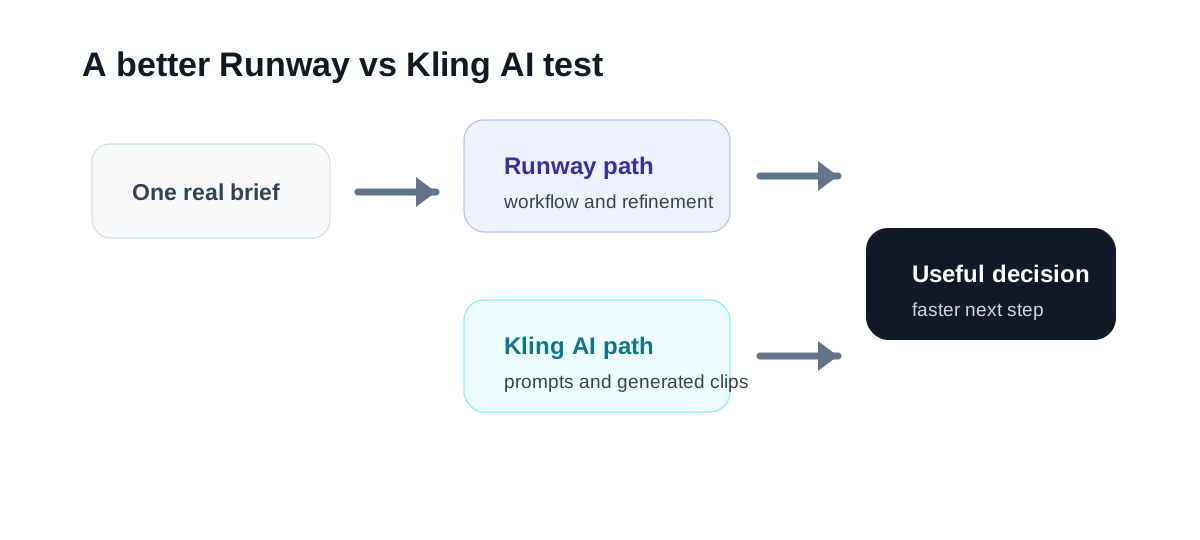
Run this comparison instead:
- Take one real campaign, content concept, or product story your team is actively discussing.
- Use Kling AI to generate several motion-first concept variations.
- Use Runway to explore the same idea in a broader creative workflow.
- Review which output helps the team decide faster and which tool fits the next production step more naturally.
- Measure how much iteration each tool needs before results become useful.
- Decide whether your team needs a concept engine, a workflow platform, or both.
This produces a much better buying decision than side-by-side screenshots.
Which Teams Should Choose Runway
Runway is easier to justify for:
- agencies managing concept-heavy client work
- internal brand teams
- editors who want AI inside their workflow
- creative leads balancing ideation with production constraints
- teams that need flexibility more than a single fixed output
These teams usually care about:
- creative range
- workflow fit
- cross-stage usefulness
- iterative control
- strategic production value
Which Teams Should Choose Kling AI
Kling AI is easier to justify for:
- marketers testing visual hooks
- founders pitching product stories
- creators exploring prompt-based motion ideas
- teams that want generated video before investing further
- campaign teams prioritizing concept speed
These teams usually care about:
- idea visibility
- motion concept speed
- prompt experimentation
- early-stage decision support
- quick creative validation
Final Recommendation
Runway is the better first choice when your team needs a broader creative AI video workflow and wants AI to support ideation, generation, and selected production tasks together.
Kling AI is the better first choice when your team mainly wants prompt-based motion concepts that make ideas visible faster.
If you are unsure, compare them on one real brief and judge them by what happens after the first output.
The winner is not the tool that looks more impressive in isolation. The winner is the tool that shortens the path from idea to useful decision.
