



Synthesia Review: Is It Worth It for Training and Business Video Teams?
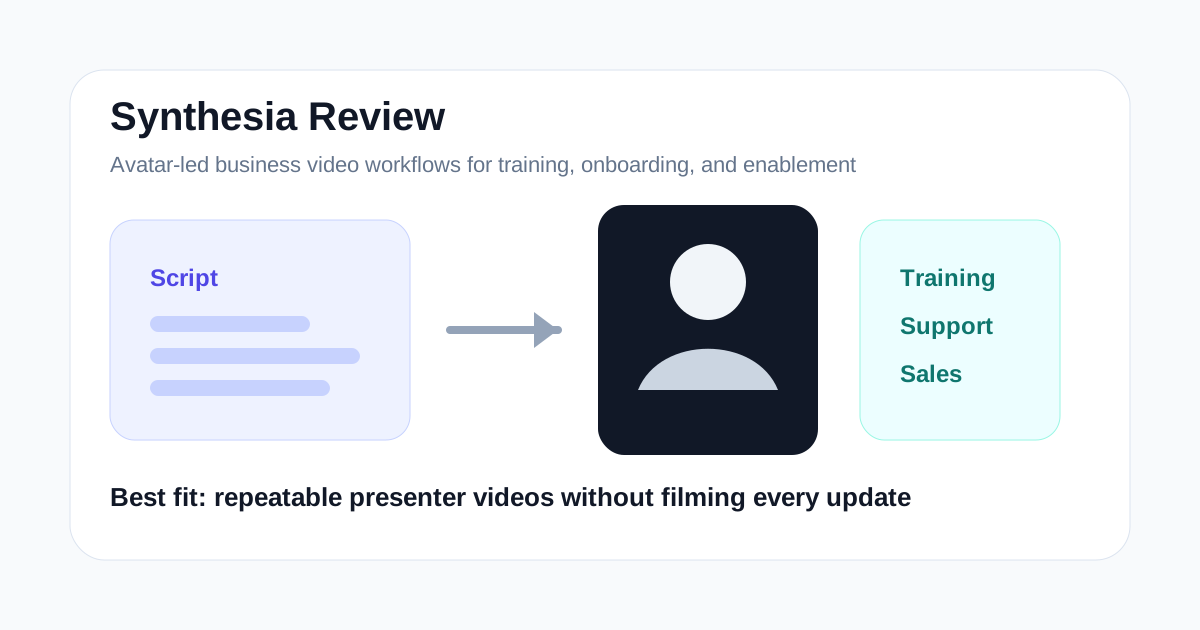
Synthesia is easiest to judge when you stop thinking about it as a creator toy and start thinking about it as a production system for business communication.
It is not mainly for cinematic editing, viral Shorts, or turning one podcast into clips. It is strongest when a team needs presenter-led videos over and over again and does not want each update to trigger another filming cycle.
That makes Synthesia especially relevant for internal training, onboarding, sales enablement, customer education, multilingual product explainers, and standardized business communication.
If your workflow depends on shipping clear presenter videos at scale, Synthesia is worth serious evaluation. If your workflow depends on fast social editing or highly personal creator content, it is usually the wrong first tool.
Short Answer
Synthesia is a strong fit if you need:
- training and onboarding videos
- internal communication videos
- sales enablement explainers
- multilingual presenter-led content
- standardized product walkthroughs
- repeatable business video production without filming
Synthesia is a weaker fit if you need:
- YouTube Shorts clipping
- script-to-stock-footage draft generation
- casual creator videos
- cinematic editing control
- heavy post-production polish
The simple buying question is this: does your team need a scalable presenter format, or does it need a more flexible editor?
What Synthesia Is Best For
Synthesia is best for teams that treat video as operational content rather than one-off creative output.
In many companies, the real problem is not coming up with ideas. The real problem is updating the same kind of message repeatedly:
- onboarding steps change
- product features change
- compliance messaging changes
- sales decks change
- help-center flows change
- localization needs expand
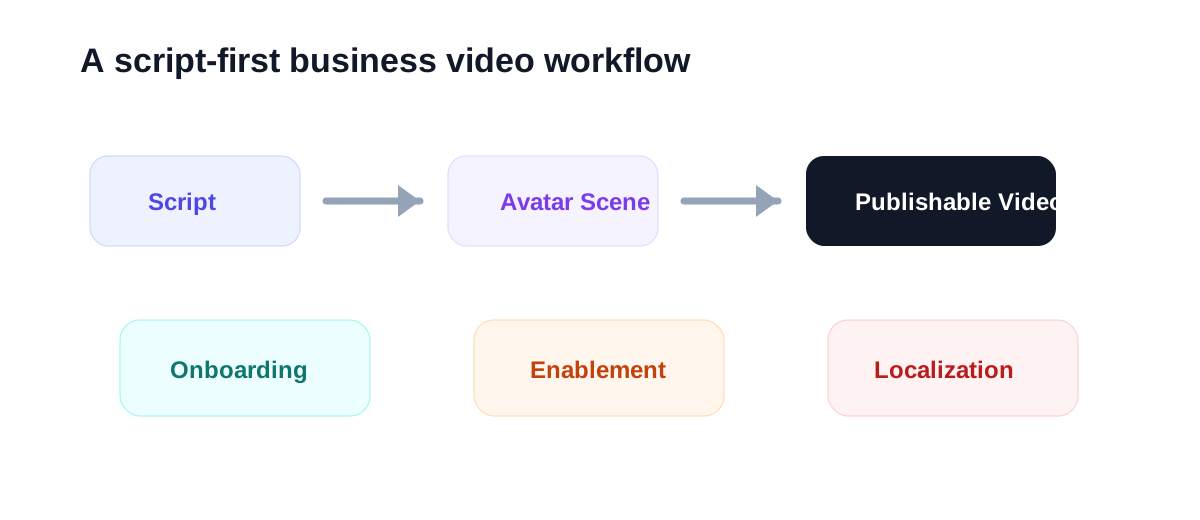
If every change requires booking talent, recording new takes, cleaning audio, and editing again, video becomes slow and expensive. Synthesia is compelling because it turns the script into the main asset.
That changes the workflow from:
record -> edit -> re-record when something changes
to:
write -> generate -> revise script -> regenerate
For training teams and operations-heavy environments, that difference matters more than novelty.
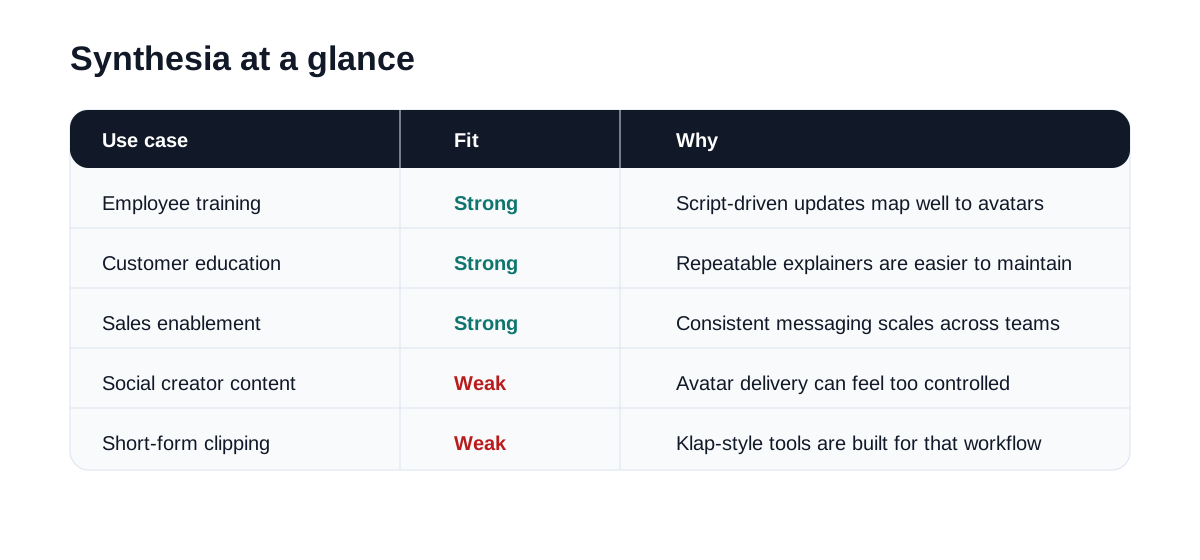
Synthesia at a Glance
| Use case | Fit | Why |
|---|---|---|
| Employee training | Strong | Standardized scripts map well to avatar-led delivery |
| Customer education | Strong | Product updates and walkthroughs can be updated quickly |
| Sales enablement | Strong | Repeatable pitch and objection-handling videos benefit from consistency |
| Multilingual explainers | Strong | Script-based localization is easier than re-recording |
| Social creator content | Weak | The format can feel too controlled for personality-led channels |
| Short-form clipping | Weak | Klap and similar tools are built for a different job |
Where Synthesia Feels Useful
Synthesia becomes easier to justify when one person or team owns too many repeatable videos.
For example, a company may need:
- onboarding clips for new hires
- feature explainers for customers
- internal process updates
- partner training materials
- sales demo intros
- translated versions for new regions
None of those assets need influencer-style authenticity. They need clarity, consistency, and speed.
That is where Synthesia makes sense. It reduces the operational friction around presenter-led business video.
The value is not that the avatar is magical. The value is that the content can be updated without rebuilding a filming workflow from zero.
Where Synthesia May Disappoint
Synthesia is not the right answer when audience trust depends on a real human presence.
Some videos convert better because the founder, coach, or creator is clearly real and recognizable. In those cases, an avatar can feel too polished or too distant.
It can also be the wrong fit if you still need heavy manual editing after generation. If the end result requires substantial scene rebuilding, B-roll replacement, or custom motion design, the time savings shrink.
You should be careful about:
- whether the avatar style fits your brand
- whether the voice delivery sounds natural enough
- whether pacing feels too stiff
- whether viewers accept the format in your channel
- how much cleanup is still required before publishing
An efficient avatar workflow only matters if the audience will actually accept the output.
Best Audiences for Synthesia
Synthesia is easiest to justify for business teams that publish structured informational content.
Good-fit audiences include:
- learning and development teams
- HR and onboarding teams
- customer success teams
- product marketing teams
- SaaS companies with complex features
- agencies building training or explainer assets for clients
- operations teams managing internal communications
Weaker-fit audiences include:
- vloggers
- entertainment creators
- podcast clip teams
- creators building personality-first brands
- editors who need detailed timeline control
Synthesia vs Other AI Video Tools
Synthesia should be compared by workflow, not by raw feature count.
| Tool | Best workflow |
|---|---|
| Synthesia | Scalable avatar-led business videos |
| HeyGen | Avatar-led marketing and presenter videos with broader creator appeal |
| InVideo | Script or prompt to first video draft |
| Pictory | Repurposing articles, webinars, and long-form content |
| Klap | Turning long videos into short clips |
| Topaz Labs | Enhancing existing video or image quality |
Synthesia and HeyGen may look similar on the surface, but the buying mindset is often different.
If the primary buyer is a business team managing training, documentation, and repeatable explainers, Synthesia is usually the more natural page to rank for.
Suggested Test Workflow
Do not test Synthesia with a random welcome message. Use a real business asset.
Try this:
- Pick one training, onboarding, or customer education script your team already uses.
- Build one avatar-led version in your default language.
- Create one translated version if localization matters.
- Review delivery, pacing, clarity, and viewer trust.
- Compare total production time against your normal recording workflow.
- Check whether the final video is good enough for actual deployment, not just internal demos.
That test will tell you more than browsing templates ever will.
Operational Questions to Check Before You Buy
The important questions are not theoretical. They are workflow questions:
- Can non-video team members update scripts and regenerate useful output?
- Is the avatar delivery credible enough for training or customer-facing use?
- Will your audience accept the format without distraction?
- How quickly can your team create revisions when policies or product details change?
- Does the tool reduce production time enough to justify recurring spend?
If the answer is yes across most of those points, Synthesia can become a durable production layer.
Final Recommendation
Synthesia is worth testing when your video problem is operational scale rather than creative experimentation.
It makes the most sense for teams that need a repeatable presenter format for training, onboarding, enablement, and customer education. In those environments, script-driven updates can matter more than camera quality or editing flexibility.
It makes less sense for creator-led channels, Shorts-first workflows, or teams that still need strong manual editing control.
The best first test is simple: take one real business script that would normally require recording, generate a publishable version, and measure whether the workflow becomes meaningfully easier to maintain.
