



Best AI Tools to Turn Long Videos Into Shorts Without Re-editing Everything
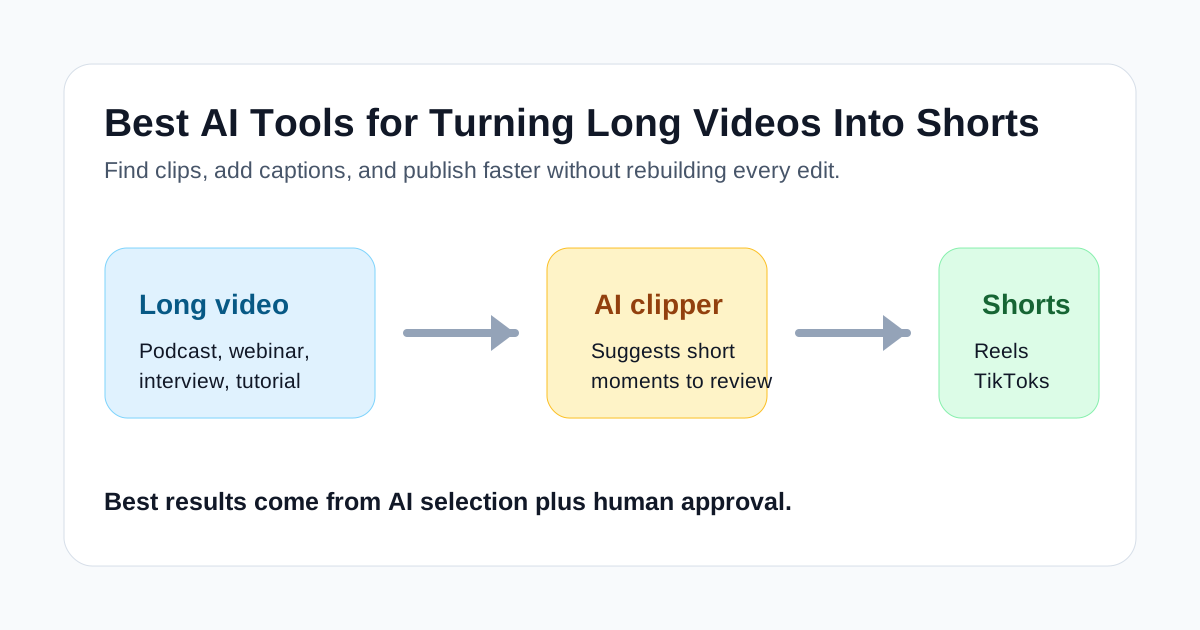
Long videos are useful, but they are hard to reuse. A podcast, webinar, interview, course lesson, livestream, or product demo can contain several strong short-form moments, yet finding those moments manually takes time. You have to scrub through the recording, choose the clip, trim the dead air, add captions, resize for vertical formats, and make the first few seconds clear enough for TikTok, Reels, Shorts, LinkedIn, or YouTube.
AI clipping tools are built for that gap. They do not magically make every long recording interesting, but they can reduce the slowest parts of the repurposing workflow: scanning, selecting, captioning, reframing, and exporting short clips.
This guide focuses on practical tools for turning long videos into shorts. The goal is not to crown one universal winner. It is to help creators, agencies, marketers, coaches, and small teams choose the right first tool based on the type of long video they already have.
Quick Picks
If you want the fastest starting point for long-video repurposing, test Klap first. It is a strong fit for creators who already publish podcasts, interviews, talking-head videos, or educational YouTube content and need a faster way to find short clips.
If you care most about caption polish and making clips feel native to social feeds, test Submagic. It can help after a clip has been chosen, especially when captions, hooks, B-roll, auto-zoom, and finishing details are slowing down the publishing process.
If you want a broader text-to-video and repurposing environment, test Pictory. It is more useful when the long video is part of a wider content workflow that may also include scripts, blog posts, URLs, and branded video drafts.
If your team publishes a lot of talking-head content and wants a dedicated AI clipper, OpusClip is also worth testing. It is especially relevant for podcasts, interviews, webinars, and creator-style recordings where a few strong moments need to become many short posts.
What Makes a Good Long-Video-to-Shorts Tool?
The best tool is not always the one with the longest feature list. For this workflow, judge tools by what they do to your weekly editing bottleneck.
A good AI shorts tool should help with at least three jobs:
- find candidate moments inside a longer recording;
- cut the clip without forcing you to rebuild the edit from scratch;
- add readable captions and format the result for vertical social platforms;
- make review fast enough that you can reject weak clips quickly;
- export clean assets without leaving you with more manual cleanup than before.
The human review step still matters. AI can suggest clips, but it does not know your audience, your positioning, or whether a moment is actually worth publishing. The best workflow is usually AI-assisted selection followed by a tight manual approval pass.
Best Tools at a Glance
| Tool | Best fit | Main strength | Watch-out |
|---|---|---|---|
| Klap | Creators repurposing long videos | Fast clip discovery from existing recordings | Still needs human taste and final review |
| Submagic | Social clips that need polish | Captions, hooks, B-roll, auto-zoom, and finishing | Less useful if you have not chosen the clip yet |
| Pictory | Teams repurposing content across formats | Turns scripts, URLs, and videos into usable drafts | Can feel broader than needed for pure clipping |
| OpusClip | High-volume talking-head content | Dedicated AI clipping and short-form repurposing | Best results depend on strong source material |
1. Klap
Klap is the clearest first test when the source material is already a long video and the goal is to create shorts from it. It is most useful when you have podcasts, interviews, webinars, reaction videos, tutorials, or educational content that already contains spoken explanations or strong opinions.
The practical value of Klap is speed. Instead of watching a full recording and manually marking every possible segment, you can use it to surface short-form candidates faster. That does not mean every suggested clip should be published. It means the review starts from a smaller set of possible moments.
Klap is a good fit if:
- you publish long videos regularly;
- you need more Shorts, Reels, or TikToks from existing recordings;
- you want to reduce manual timeline scanning;
- your source videos have clear sections, takeaways, or opinions;
- you are comfortable reviewing AI-selected clips before publishing.
Klap is not the best fit if your main problem is making a finished clip look more polished. It can help you get to the clip, but you may still want another tool or editor for caption styling, brand details, B-roll, and final social packaging.
2. Submagic
Submagic is strongest when the clip exists but still needs to feel more native to short-form platforms. Its current product positioning covers AI captions, Magic Clips, trimming, B-roll, auto-zoom, transitions, sound effects, background music, publishing, and related short-form editing features. That makes it useful for the finishing layer of a shorts workflow.
Use Submagic when the raw clip is decent but the presentation is weak. Maybe the captions are hard to read. Maybe the first three seconds need clearer hook text. Maybe the talking-head footage feels too static. Maybe the team wants consistent social clips without building every caption style by hand.
Submagic is a good fit if:
- captions are a major part of your short-form style;
- your clips need hooks, visual movement, or B-roll;
- you want a faster path from selected clip to publishable social asset;
- your team values repeatable finishing more than deep manual editing;
- you want to repurpose podcasts, interviews, or creator videos with more polish.
Submagic should not be treated as a replacement for editorial judgment. It can make clips easier to watch, but it cannot fix a weak point, a slow argument, or a recording with no real short-form moment.
3. Pictory
Pictory is broader than a pure AI clipper. It supports workflows around ideas, URLs, images, scripts, and videos, so it can make sense when your long-video repurposing work is part of a bigger content production system.
For example, a marketer may have a webinar recording, a blog post, a landing page, and a script outline. In that case, Pictory can be useful because the team is not only clipping a video. It is turning existing content into multiple video drafts for different channels.
Pictory is a good fit if:
- you repurpose both written and video content;
- your team wants script-to-video or URL-to-video options as well as video reuse;
- brand consistency matters more than raw clipping speed;
- you need a tool that can support social videos, explainers, and content marketing assets;
- your workflow starts from more than one source format.
Pictory may be more than you need if the only job is "take this podcast and find five Shorts." In that case, start with a more focused clipper first, then compare whether Pictory's broader workflow saves enough time to justify the switch.
4. OpusClip
OpusClip is a dedicated AI video clipping tool, and it is worth testing when your team has a steady supply of long spoken videos. It is particularly relevant for podcasts, creator interviews, webinars, livestreams, educational recordings, and commentary-style videos.
The best use case is volume. If you only create one long video every few months, any AI clipper may feel optional. If you create one or more long videos every week, the time saved from automated clipping, reframing, captioning, and ranking candidate shorts can become much more meaningful.
OpusClip is a good fit if:
- you publish frequent talking-head or interview content;
- you want a specialized long-video-to-shorts workflow;
- you need multiple candidate clips from each recording;
- your review process can quickly approve, reject, and refine suggestions;
- you want to compare clip quality across several AI-selected options.
As with every tool in this category, source quality controls the ceiling. A strong recording can produce several useful shorts. A vague, low-energy, badly structured recording may produce clips that are technically formatted but not worth posting.
How to Choose the Right Tool
Start with the bottleneck, not the brand name.
If the painful part is finding the moment, start with Klap or OpusClip. These tools are closer to the clip discovery problem. They help you move from a long video to a shortlist of possible shorts.
If the painful part is making the chosen clip look publishable, start with Submagic. It is closer to the finishing problem: captions, hooks, movement, social formatting, and the final layer that affects whether people keep watching.
If the long video is only one part of a larger content system, consider Pictory. It can be useful when the same team is also turning scripts, URLs, and written assets into video drafts.
Most teams should avoid buying several tools at once. Run a one-video test first.
A Simple Test Workflow
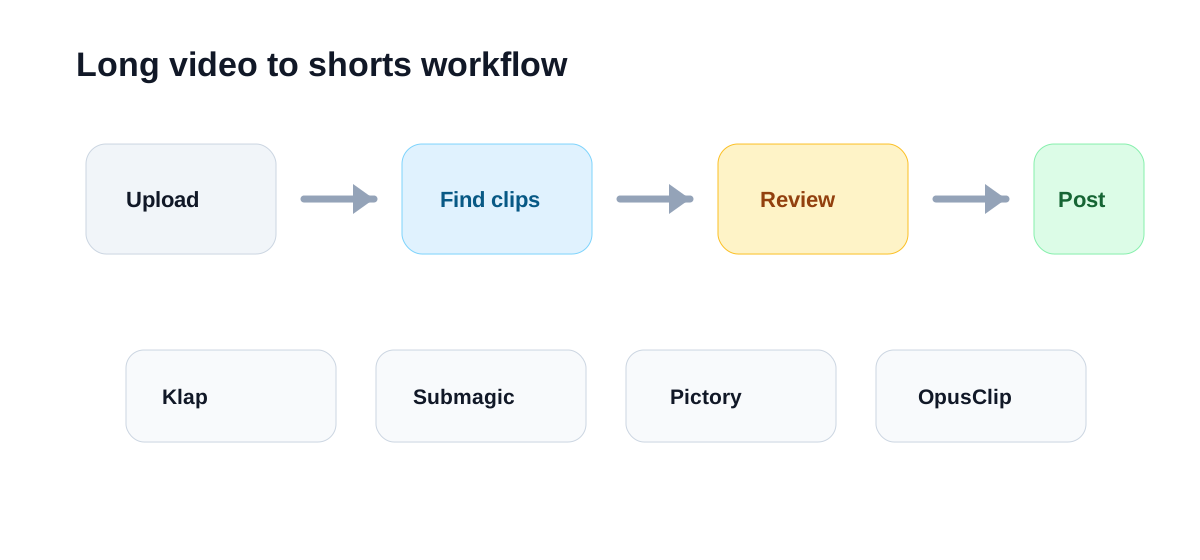
Use the same source video for every tool you compare. A good test file is a 20- to 60-minute recording with clear speech and at least a few strong moments.
Then run this process:
- Upload the same long video to the tool.
- Let the tool generate short-form candidates.
- Keep the three clips that seem most publishable.
- Check whether the hook is clear in the first few seconds.
- Review captions for accuracy, readability, and pacing.
- Export one final version.
- Compare total time, cleanup required, and whether you would actually publish the result.
The best tool is the one that produces the most usable clips with the least cleanup, not the one that generates the biggest number of outputs.
Common Mistakes
The first mistake is clipping everything. More shorts are not automatically better. Publishing ten weak clips from one long video can train your audience to ignore the next upload.
The second mistake is skipping the hook review. A clip can be accurate and still fail because it starts too slowly. The first few seconds need to make the viewer understand why the moment matters.
The third mistake is trusting captions without checking them. Captions are part of the video experience. If names, product terms, or technical phrases are wrong, the clip feels careless.
The fourth mistake is using AI tools to hide weak source material. AI repurposing works best when the original recording already has useful ideas, crisp explanations, clear opinions, or practical examples.
Final Recommendation
For most creators and small teams, the best starting point is Klap if the job is long-video clipping, Submagic if the job is short-form polish, Pictory if the job spans scripts and broader content repurposing, and OpusClip if the team has a high-volume talking-head workflow.
The smartest approach is not to chase every AI video feature. Pick one real long video, run a controlled test, and measure how many clips are actually good enough to publish. If the tool saves time and improves the publishing rhythm, keep it. If it creates more review work than it removes, move on.

