



Is Submagic Worth Using for Captions and Short-Form Video Polish?
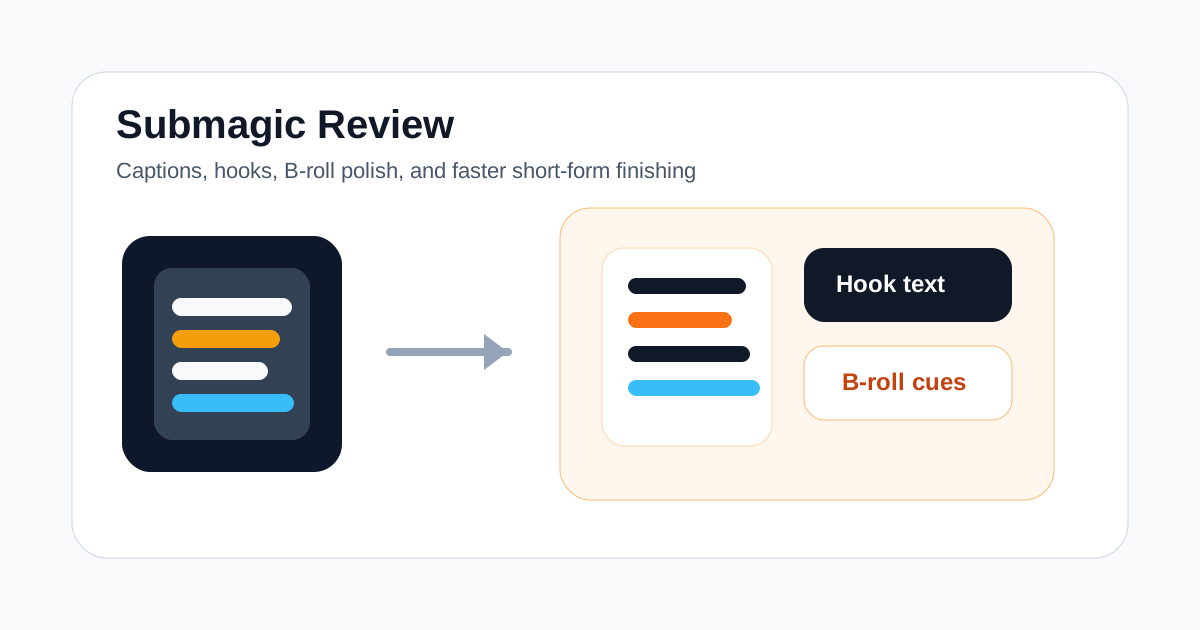
Submagic is easiest to evaluate when you stop treating it like a full video editor.
It is not mainly a prompt-to-video generator, an article-to-video tool, or a long-video clipping specialist. Its value is closer to the finishing layer for short-form content: captions, hook text, visual punch, pacing support, and faster polish for social videos.
That makes it relevant for creators, agencies, social teams, coaches, and marketers who already have footage or rough edits but want the final short to feel more publishable without spending as much time inside a traditional timeline.
If your bottleneck is making short-form videos feel tighter and more attention-friendly, Submagic is worth testing. If your bottleneck is generating brand-new scenes from scripts or turning webinars into multiple clips, it is the wrong first tool.
Short Answer
Submagic is a strong fit if you need:
- faster captioning for Shorts, Reels, and TikTok videos
- stronger opening hooks and on-screen text for social-first edits
- lightweight B-roll or pacing polish on short videos
- a finishing layer after recording, clipping, or rough editing
- a simpler workflow for short-form packaging than a full editor
Submagic is a weaker fit if you need:
- long-form video to clip extraction
- script-to-video or prompt-to-video generation
- avatar presenter workflows
- deep timeline editing and motion design
- multi-step documentary or training video production
The fastest way to judge Submagic is simple: take one ordinary short video draft, run it through the tool, and decide whether the final result is noticeably more publishable with less manual cleanup.
What Submagic Is Best For
Submagic makes the most sense when the raw material already exists.
You already have:
- talking-head clips
- UGC-style product videos
- podcast snippets
- founder videos
- sales or offer explainer clips
- short-form drafts from another editor
Now the real job is making those assets feel tighter, clearer, and more native to short-form platforms.
That is where Submagic can make sense. Instead of manually building captions, emphasizing hooks, trimming pacing, and layering simple polish steps one by one, you use a tool designed around the final stretch of short-form editing.
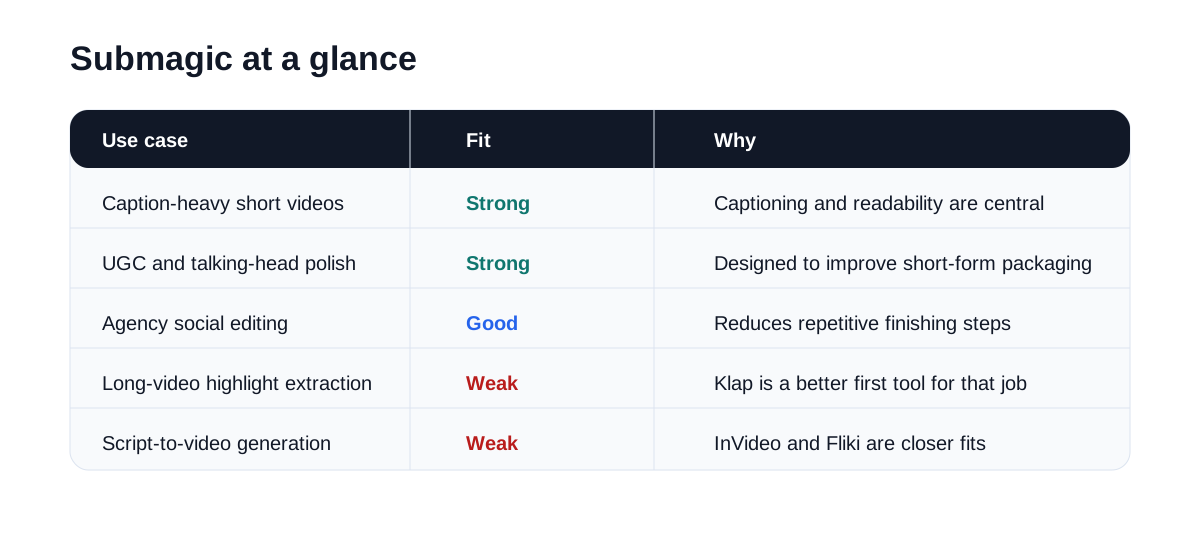
Submagic at a Glance
| Use case | Fit | Why |
|---|---|---|
| Caption-heavy social clips | Strong | Captioning and readability are central to the workflow |
| UGC and talking-head polish | Strong | Hook text and short-form packaging are the main promise |
| Agency short-form editing | Good | Can reduce repetitive finishing work across similar assets |
| Podcast or interview snippets | Good | Useful after the clip is already selected |
| Long-video clipping | Weak | Klap is better suited for extracting highlights first |
| Script-to-video generation | Weak | InVideo or Fliki are closer fits |
Where Submagic Feels Useful
Submagic becomes easier to justify when the workload repeats every week.
For example, a team may publish:
- daily short-form videos
- founder clips
- social ad variants
- repurposed customer snippets
- creator-led product explainers
In those workflows, the biggest time sink is often not the first cut. It is the finishing pass that makes the video feel native enough for social distribution.
That is where Submagic earns its place. It narrows the job from "edit a short video from scratch" to "make this short more watchable and publishable faster."
Where Submagic May Disappoint
Submagic is not a full replacement for broader video production tools.
If your team needs long-form clipping from webinars or podcasts, Klap is the closer fit. If your team needs script-to-video drafts or AI-generated scenes, InVideo and Fliki are better starting points. If your team needs deep manual timing control, complex story structure, or advanced motion design, a traditional editor will still matter.
It can also disappoint when the source footage is weak. A finishing tool can improve presentation, but it cannot fix a bad core idea, poor delivery, or weak raw material.
That is why Submagic should be judged on a normal piece of content you actually publish, not on the strongest demo clip you can find.
Best Audiences for Submagic
Good-fit audiences include:
- short-form content creators
- agencies producing repeatable social edits
- coaches and consultants publishing clips
- in-house social teams
- founders recording direct-to-camera content
- marketers repurposing raw talking-head footage
Weaker-fit audiences include:
- teams with no existing footage or rough cuts
- businesses that mainly need long training videos
- creators looking for text-to-video generation first
- editors who need frame-level creative control
- businesses doing mostly webinar repurposing rather than short-form finishing
Submagic vs Other AI Video Tools
Submagic makes the most sense when compared by workflow rather than by headline feature count.
| Tool | Best workflow |
|---|---|
| Submagic | Polish short-form videos with captions, hooks, and lightweight editing support |
| Klap | Turn long videos into highlight clips |
| InVideo | Build new video drafts from scripts or prompts |
| Fliki | Turn text or blog-style inputs into videos with AI voiceovers |
| HeyGen | Create avatar-led presenter videos |
| CapCut | Finish short-form edits manually with more detailed control |
This is also why Submagic can outperform broader tools for a narrower job. If your business depends on producing many social-ready short videos quickly, specialization can be more useful than a bigger feature list.
Suggested Test Workflow
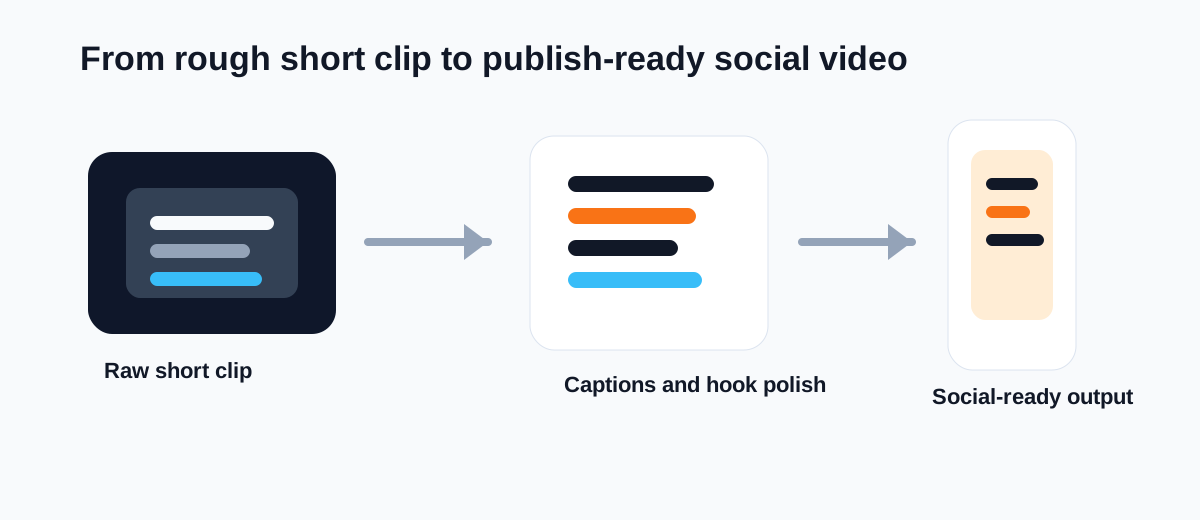
Do not start with your best clip. Start with a normal short video that still needs cleanup.
Use this test:
- Pick one 20- to 60-second social video draft you would realistically publish.
- Run it through Submagic with your normal caption and formatting preferences.
- Review whether the captions, hook styling, and pacing feel stronger than your baseline version.
- Check how much manual correction is still required before publishing.
- Compare total editing time against your current short-form workflow.
- Decide whether the tool meaningfully improves output speed or output quality.
That gives you a practical answer fast.
Operational Questions to Check Before You Buy
The main Submagic evaluation questions are practical:
- Are the captions accurate enough to avoid heavy correction?
- Do the hook and text treatments actually improve retention?
- Does the tool reduce repetitive editing work across multiple short videos?
- Can a non-editor on the team get to a publishable version faster?
- Does the output still need too much cleanup in another editor?
If the answer to most of those questions is yes, Submagic may be a good fit. If not, it may only move the work around.
Final Recommendation
Submagic is worth testing when short-form polish is the bottleneck you repeat every week.
It is not the broadest AI video tool, but that is part of the value. The product promise is specific: make short social videos feel more complete without requiring a full manual edit every time.
If your workflow already produces rough short videos and the real pain is captions, hook presentation, and final social polish, Submagic belongs on the shortlist.
If your workflow starts with long webinars, scripts, or prompt-based scene generation, start with a different tool first.
The best first test is simple: run one average short-form draft through Submagic and measure whether the final video looks publishable faster than your current process.

