



Adobe Firefly Video Review: Is It Practical for Creating Brand-Safe Marketing B-Roll?
Adobe Firefly Video Review: Is It Practical for Creating Brand-Safe Marketing B-Roll?
Marketing teams often need short connecting shots rather than another complete video generator: a product sitting in a believable environment, an abstract transition, a camera move across a campaign visual, or a five-second scene that covers an edit. Adobe Firefly's video workflow is appealing because it connects generation with familiar creative tools and offers text-to-video, image-to-video, keyframe, and camera controls.
This review asks a narrower question: can a team create useful campaign B-roll while keeping brand review, rights review, and editing effort under control? The answer is yes for carefully scoped shots, but not as an automatic replacement for a production library or a final editor.
Quick verdict
Firefly Video is practical for generating short visual options when a marketer can describe one shot at a time and has a human creative reviewer. Image-to-video is particularly useful for exploring motion from an approved product image or campaign key visual. Text-to-video can help with generic establishing shots and concepts that would be expensive to prototype traditionally.
The workflow is weaker when a sequence needs precise continuity, exact product geometry, readable interface text, or repeatable actors across multiple scenes. Generated footage should enter an editing timeline as candidate material, not go directly to publishing.
What to test
Use the same small campaign brief for three tests:
- Generate a generic establishing shot from text.
- Animate an approved static product image with image-to-video.
- Create two adjacent shots that need to feel like one sequence.
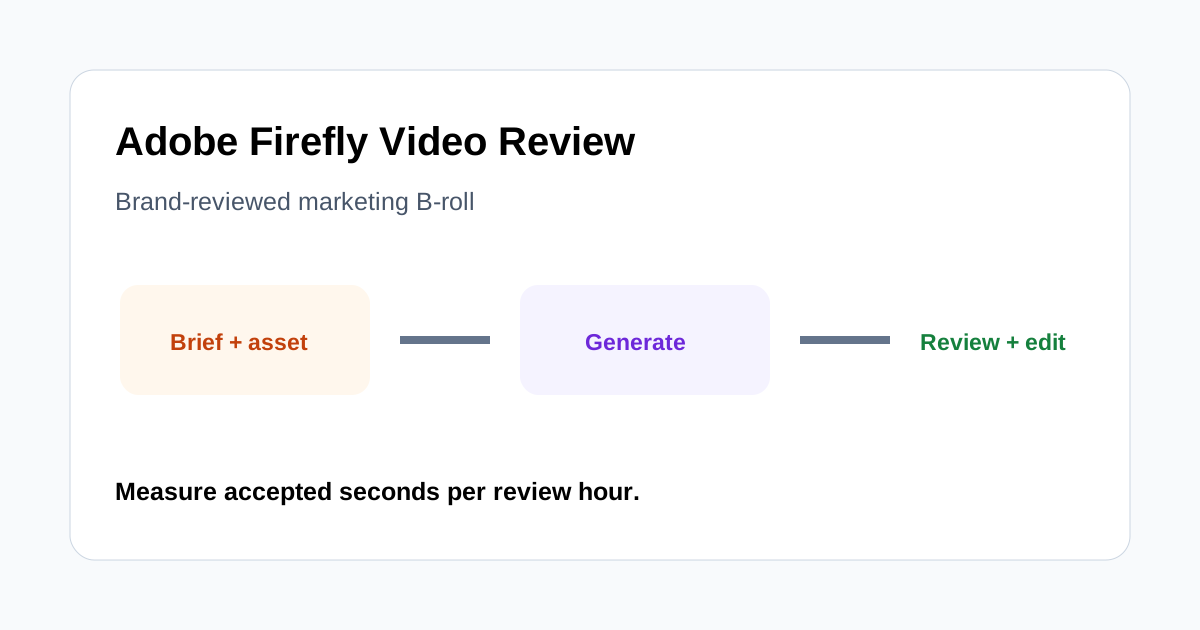
For every output, score prompt adherence, brand consistency, physical plausibility, continuity, and the time required to reach an approved take. A useful operational metric is accepted seconds of footage per review hour. It exposes whether fast generation actually creates usable material.
Text-to-video for exploratory B-roll
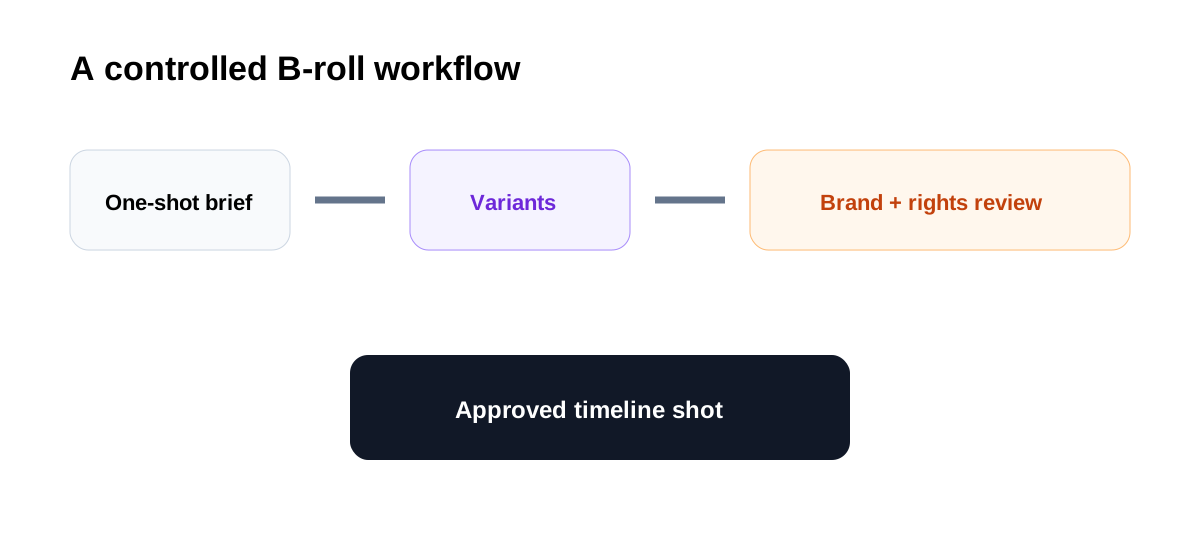
Text prompts work best when they describe a single visual event. Define the subject, environment, lighting, composition, camera behavior, and mood. Avoid asking one short clip to contain several story beats. When the prompt is overloaded, the result may look polished at first glance but fail the campaign's actual need.
Generic scenes are the safest starting point: abstract technology backgrounds, atmospheric office details, materials moving under controlled light, or non-identifying environmental footage. Product-specific claims and demonstrations require more scrutiny because visual invention can imply features or physical behavior that the product does not have.
Image-to-video and brand assets
Starting from an approved image can improve visual direction. It gives the model a concrete composition, palette, product reference, or campaign key visual. This makes image-to-video attractive for subtle motion, reveal shots, and variations derived from existing artwork.
It does not guarantee identity preservation. Logos, labels, packaging edges, small components, and typography can drift as frames change. Review the entire clip frame by frame around the product, not just the opening image. If exact brand marks matter, consider adding them later in the editor rather than asking generation to preserve them.
Keyframes and camera motion
Start and end keyframes can help communicate the intended transition, while camera controls can steer zoom, pan, or other movement. These controls are valuable because “cinematic” alone is not a usable direction. A marketing editor needs to know where the camera starts, what stays important, and how the shot ends for the next cut.
Control is still probabilistic. Generate a small set of purposeful variants instead of many random versions. Name each attempt with its prompt, reference asset, model, and intended placement so the review team can reproduce decisions and avoid losing the approved source.
Continuity across shots
Short generated clips are easier than a continuous multi-shot scene. Wardrobe, object shape, lighting direction, spatial layout, and motion can change between generations. A timeline can hide minor differences with cutaways, but it cannot repair a product that changes form.
Plan Firefly footage as modular B-roll. Use it between factual product shots, presenter segments, screenshots, or licensed footage. This lets the generated material add atmosphere without carrying all of the narrative or proof.
Brand-safety review
“Brand-safe” is a workflow outcome, not a button. Adobe publishes information about how its models are trained and how generated content can be used, but teams still need to assess each asset, current product terms, regional availability, and the rights attached to every uploaded reference.
Create a review checklist covering logos, product accuracy, unintended text, people and likeness, regulated claims, cultural concerns, and similarity to recognizable protected material. Keep the prompt, source image, output, reviewer, and approval decision together. For higher-risk campaigns, involve legal or brand governance before distribution.
Editing and finishing cost
The useful output is not the most beautiful generation; it is the shot that fits the timeline. Test the clip in context with the actual voiceover, music, captions, and neighboring shots. Check whether its motion creates a clean cut and whether the focal area leaves room for text.
Expect trimming, color adjustment, speed changes, stabilization choices, overlays, and sound design. If every five-second result needs extensive repair, the apparent generation speed is misleading. Compare total approved-shot cost with stock footage, motion templates, or a conventional shoot.
Where Firefly Video fits best
- Concept exploration before a production commitment.
- Short atmospheric transitions and establishing shots.
- Subtle motion from approved campaign artwork.
- Visual variations for internal creative review.
- B-roll that does not need exact product behavior or persistent characters.
Where to be cautious
- Close product shots with exact geometry, labels, or controls.
- Software demonstrations where interface accuracy matters.
- Multi-shot stories requiring strict character and scene continuity.
- Regulated, medical, financial, or performance claims.
- Sensitive source assets that cannot enter the approved cloud workflow.
A practical approval checklist
- The shot answers one defined need in the edit.
- Product shape, materials, and behavior are accurate.
- Logos and text are either correct or will be replaced in finishing.
- Motion remains plausible across every frame.
- People and environments do not create rights or representation concerns.
- The prompt and reference assets are recorded.
- Current Adobe terms and model availability have been checked.
- A human brand owner has approved the final timeline, not only the isolated clip.
Final recommendation
Adobe Firefly Video is a useful B-roll prototyping and generation tool for teams that already work with Adobe products and can maintain disciplined review. It is most valuable when the brief is shot-specific, the generated footage supports rather than proves a claim, and editors measure accepted material instead of output volume.
Run a pilot with one real campaign, compare text-to-video with image-to-video, and calculate accepted seconds per review hour. If the tool consistently supplies shots that enter the final timeline with modest finishing, it can expand a team's visual options. If identity drift, continuity repair, or governance review dominates the process, reserve it for ideation and low-risk atmospheric footage.
