



Canva Magic Video Review: Can Social Teams Turn Rough Footage Into Brand-Ready Posts?
Canva Magic Video Review: Can Social Teams Turn Rough Footage Into Brand-Ready Posts?
Social teams rarely lack footage. They lack time to sort it, find a usable story, add readable captions, apply the brand system, and create versions for several channels. Canva Magic Video is designed to shorten that path by assembling uploaded clips from a written direction, while Canva's wider video workspace provides Highlights, captions, templates, animation, and collaborative editing.
This review asks whether the workflow produces brand-ready posts rather than attractive drafts. The answer is useful for repeatable, low-risk social content, provided a human reviewer owns the story, accuracy, rights, and final export.
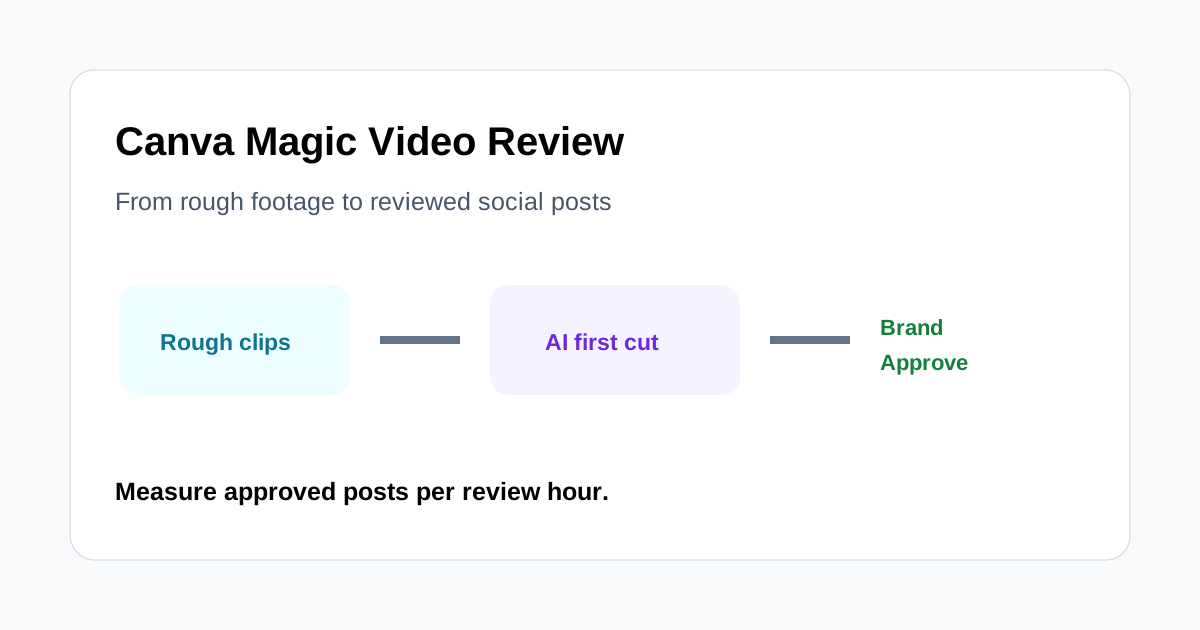
Quick verdict
Magic Video is most valuable for small social teams already working in Canva. It can accelerate a first cut from rough product, event, or behind-the-scenes footage and keep captions, brand styling, resizing, and team feedback in one approachable editor.
It is not a replacement for a deliberate campaign narrative or a precision timeline. Automatic selections can miss context, pacing may not match the brand, captions require correction, and every uploaded asset still needs permission. Judge the tool by approved posts per review hour, not by the speed of its first preview.
What the workflow does
Canva describes Magic Video as a way to upload footage, explain the intended result, and receive an assembled social-ready draft with cuts, audio, transitions, and layout choices. Highlights can identify shorter moments, branded captions can use team fonts and colors, and Magic Media can generate supporting video from text when an asset is missing.
Those capabilities cover several common handoffs. A marketer can move from source selection to draft, caption correction, brand finishing, and feedback without immediately sending every clip to a specialist editor. That convenience is the main product advantage.
A realistic three-source test
Test with footage that represents actual weekly work:
- A product behind-the-scenes recording with several weak takes.
- An event recap containing people, signs, and ambient sound.
- A customer story that must preserve the speaker's meaning.
Use one brief for each: audience, single message, required shots, forbidden claims, target length, channel, aspect ratio, caption style, and call to action. Record how long it takes to reach an approved export and why each rejected draft failed.
First-cut quality
Automatic assembly is useful when the source contains obvious visual moments and a simple chronological story. It can eliminate an empty timeline and provide a structure for review. The first cut should be treated as a proposal, not a finished editorial decision.
Check whether the opening earns attention without misrepresenting what follows. Remove duplicate shots, verify that transitions do not hide important details, and confirm that music and cuts support the message rather than merely increasing pace. A brand known for calm, expert explanations may not benefit from a trend-driven rapid edit.
Highlights and context
AI-selected highlights can speed up discovery, especially in long event or interview footage. The risk is the same as any clipping workflow: a locally exciting sentence may depend on context outside the selected range.
For testimonials and product claims, compare the clip with the surrounding source. Preserve qualifications, do not turn a possibility into a promise, and ask the speaker or responsible owner to approve sensitive excerpts. Track the percentage of proposed highlights rejected for missing context.
Captions and accessibility
Editable branded captions are valuable because many social viewers watch without sound. Brand fonts and colors can improve consistency, but accuracy and readability come first. Review names, numbers, product terminology, punctuation, and line breaks while listening to the original audio.
Preview the final caption size on a phone. Keep text away from interface overlays used by the destination platform, provide sufficient contrast, and avoid covering the product or speaker's face. Caption styling should be a reusable team rule rather than a new design choice for every post.
Brand consistency
Canva's templates and brand tools help teams standardize title cards, colors, type, logo placement, and closing calls to action. Create a small set of approved video templates for recurring formats such as product tip, event recap, and customer quote.
Templates do not enforce judgment. Review whether generated layouts introduce unapproved colors, stock elements, visual effects, or music. Lock the parts that should not change and define who may approve exceptions.
Resizing for channels
One campaign may need vertical, square, and landscape versions. Resizing is only the beginning. A crop can remove the product action, captions can collide with platform controls, and a horizontal group shot may not survive a narrow frame.
Review every channel version independently. Reposition the focal subject, adjust text density, and rewrite the opening when the viewing behavior differs. Do not treat one exported master as proof that all variants are ready.
Generated supporting footage
Text-to-video can help with mood boards, abstract transitions, or low-risk establishing visuals when no suitable asset exists. It should not be used to invent product behavior, customer outcomes, event attendance, or documentary evidence.
Inspect every generated frame for unintended text, distorted objects, identity concerns, and visual similarity risks. Keep generation prompts and approval decisions with the campaign record, and verify current Canva terms and feature availability before commercial use.
Collaboration and approval
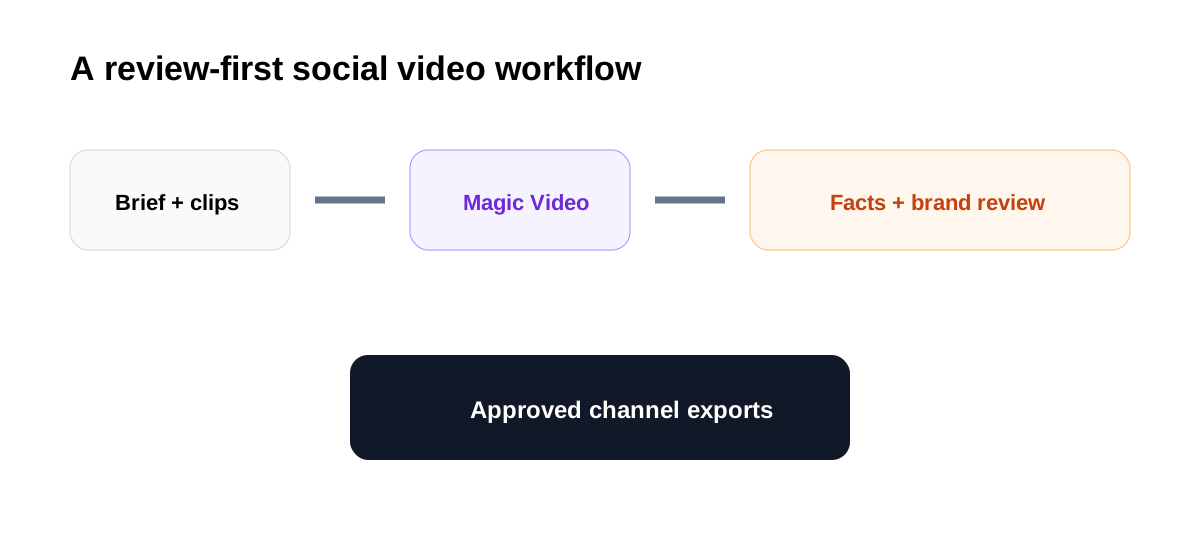
Keeping comments, assets, and the draft in one workspace can reduce file-version confusion. Establish a simple status path: draft, factual review, brand review, rights check, approved, scheduled. Assign one owner to resolve conflicting comments and export the final version.
The approved file should be traceable to its source footage and brief. If a team downloads several near-identical versions without clear naming, the collaboration advantage disappears.
Where it saves time
- Weekly short-form posts with repeatable formats.
- Event and behind-the-scenes recaps with clear visual moments.
- First cuts that need light rather than advanced editing.
- Teams that already maintain Canva brand assets and templates.
- Campaigns requiring several aspect-ratio versions.
Where to be cautious
- Detailed product demonstrations requiring exact screen focus.
- Long-form narrative editing and complex audio work.
- Testimonials or claims where context cannot be shortened safely.
- Sensitive footage that cannot enter the approved cloud workflow.
- Projects needing frame-level effects, tracking, or color control.
Approval checklist
- The opening and ending preserve the intended message.
- Every claim matches the source and current product facts.
- Captions, names, numbers, and terminology are correct.
- Brand fonts, colors, logos, and music are approved.
- Each aspect ratio keeps important subjects visible.
- Footage, people, audio, stock, and generated assets are cleared for use.
- The call to action matches the destination.
- A named human approved the exact exported version.
Final recommendation
Canva Magic Video can be a practical first-cut and finishing workflow for social teams that need more output from existing footage. Its strongest case is not cinematic automation; it is reducing handoffs between selection, captions, brand styling, resizing, and feedback.
Run a pilot with three real source sets and measure approved posts per review hour, caption corrections, context rejections, and brand revisions. If the team consistently reaches approved exports with modest changes, Magic Video can support weekly production. If reviewers rebuild the narrative and timing every time, use it for discovery and templates while keeping editorial work in a more precise tool.
