



Canva Magic Studio Review: Is It Useful for Fast Marketing Design Work?
Canva Magic Studio Review: Is It Useful for Fast Marketing Design Work?
Marketing design is rarely one image. A campaign starts with a brief, becomes a presentation or social concept, expands into several sizes, needs copy variations, and then passes through brand review. Canva Magic Studio brings AI-assisted design, writing, image editing, media generation, animation, and format transformation into the same visual workspace.
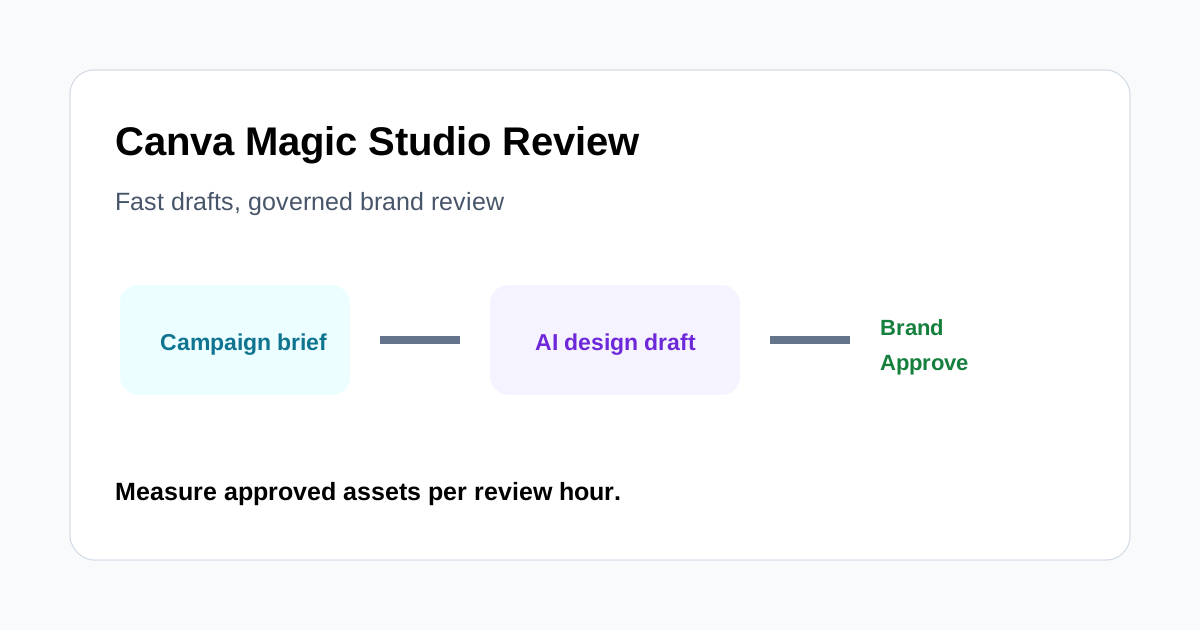
This review focuses on whether that suite helps a small marketing team produce approved assets faster. The short answer is yes for first drafts and multi-format adaptation, provided Brand Kit rules and human review remain the quality gate.
Quick verdict
Magic Studio is useful for marketers who already rely on Canva templates and need to move quickly from an idea to editable campaign assets. Magic Design can create a starting layout from a prompt or uploaded media; Magic Write can draft or reshape copy; Resize and Magic Switch can turn one design into channel variants; image tools can reposition, expand, or modify source visuals.
The suite does not guarantee originality, factual accuracy, brand compliance, or clean production files. Teams should measure approved assets per review hour, not generated options. Advanced designers may still prefer specialized tools when typography, masking, color, or layout control must be exact.
A practical campaign test
Use one real campaign brief and ask the team to create:
- A primary social graphic with a clear message and approved product image.
- Three channel versions with different dimensions and text density.
- A short presentation or internal concept board explaining the campaign.
- Two copy variants in the brand voice.
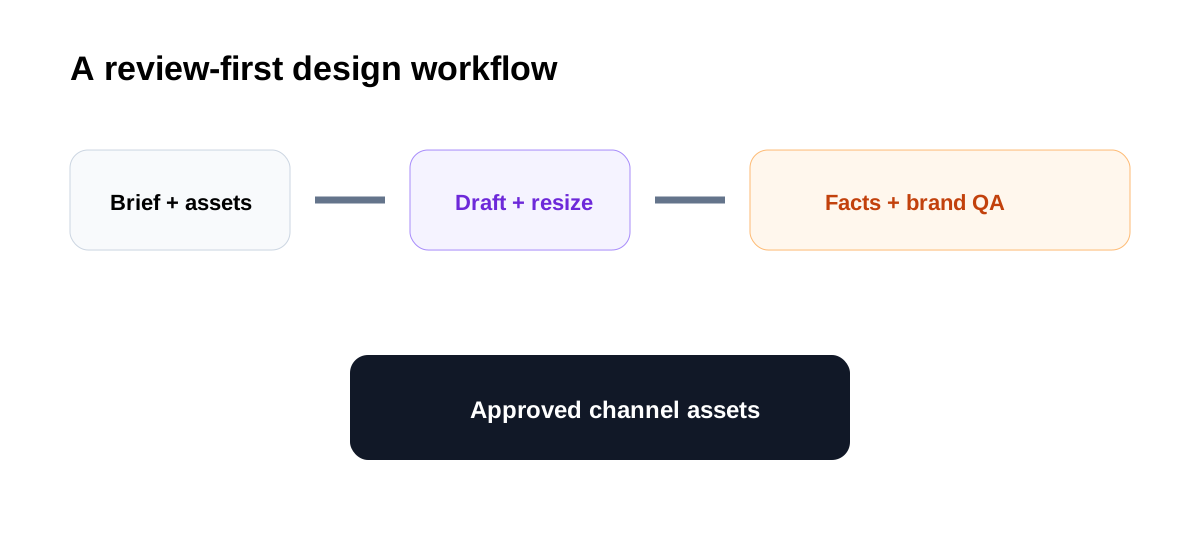
Track time to first draft, time to approved asset, number of brand corrections, layout repairs after resizing, factual corrections, and assets rejected for weak differentiation.
Magic Design as a starting point
Magic Design can turn a prompt or uploaded media into curated design directions. This is valuable when a marketer needs a visible first draft instead of an empty canvas. The output is easiest to use when the brief specifies audience, message hierarchy, channel, tone, approved assets, and call to action.
Generated layouts should be treated as alternatives, not decisions. Check whether the headline dominates appropriately, whether the product remains recognizable, and whether decorative elements distract from the offer. A fast draft that requires a complete hierarchy rebuild has not saved much time.
Brand Kit and consistency
Applying approved fonts, colors, logos, imagery, and templates is where Canva can turn speed into repeatability. Build a small campaign system before generating at scale: headline styles, safe logo zones, image treatments, button patterns, caption rules, and examples of unacceptable use.
Brand Kit narrows choices but does not replace review. AI-created elements may introduce a color, visual metaphor, or tone that technically fits the palette while feeling wrong for the brand. Assign a brand owner to approve the master before creating variants.
Magic Write and brand voice
Magic Write can help generate a first draft, shorten copy, expand an idea, or create alternatives. Brand voice support can help maintain tone, but claims, dates, prices, statistics, and product terminology still require verification.
Keep an approved message bank with current proof points and forbidden promises. Ask the tool to work from that bank, then compare every variant with the primary source. Fluency is not evidence, and a compact social headline can accidentally remove an important qualification.
Resize and Magic Switch
Resize and Magic Switch can transform a design into different formats, dimensions, languages, or content types. This is useful for campaign scaling because it reduces repetitive setup. It is not a one-click approval process.
Review every output at its actual destination size. Text may wrap awkwardly, visual balance can shift, product details may be cropped, and platform overlays can cover important content. Translation also needs a native or qualified reviewer for meaning, tone, and local claims.
Image editing and expansion
Tools such as subject separation and image expansion can help marketers adapt approved photography when the original crop does not fit a new channel. Inspect generated edges, hands, products, reflections, logos, and background text closely. Do not let an expanded image invent product features or a misleading environment.
Retain the original asset and record what was generated. For customer, employee, or licensed imagery, confirm that the intended transformation and distribution are permitted.
Presentations and campaign handoff
Magic Design can also create presentation starting points, which can help a product marketer turn a brief into a concept review. The narrative still needs human logic: problem, audience insight, message, creative system, examples, evidence, risks, and decision requested.
Use the deck to approve the campaign master. Once approved, create production variants from the same template and message source. This reduces the risk that each channel becomes a separate interpretation.
Collaboration and version control
Canva's shared workspace can centralize comments, templates, and assets. Define statuses such as concept, factual review, brand review, approved master, channel adaptation, and scheduled. Restrict who can change master templates and who can approve exports.
Use explicit names and folders. If several “final” copies circulate, the speed advantage disappears. The approved export should link back to its brief, sources, and reviewer.
Where Magic Studio saves time
- Social campaigns with repeatable brand templates.
- First drafts for marketers without advanced design software.
- Resizing one approved master into several channel formats.
- Copy and layout ideation before a designer refines the direction.
- Small teams keeping design, copy, and comments together.
Where to be cautious
- Premium identity work requiring distinctive art direction.
- Complex print production or precise typography.
- Regulated claims and rapidly changing product facts.
- Image edits where exact product geometry matters.
- Sensitive or licensed assets without confirmed transformation rights.
Approval checklist
- The asset follows the current campaign brief and message hierarchy.
- Product facts, numbers, dates, and claims were verified.
- Fonts, colors, logos, imagery, and tone match approved rules.
- Every resized or translated version received separate review.
- Generated imagery does not distort products or imply false evidence.
- Rights for source and generated assets are documented.
- The exact export and destination are recorded.
- A named human approved the final asset.
Final recommendation
Canva Magic Studio is practical for fast marketing design work when the team needs editable first drafts and many channel adaptations inside one familiar workspace. Its strongest value is reducing setup and handoffs, not replacing creative direction.
Run a real campaign pilot and compare approved assets per review hour with the current process. If the team saves time while brand corrections remain low, Magic Studio can become the default first-draft and scaling layer. If every output needs substantial hierarchy, copy, and image repair, keep it for ideation and use specialist tools for final production.
